

What Is an Android Virtual Machine App? Uses and Limitations of Local Virtual Machines
What Is an Android Virtual Machine App?
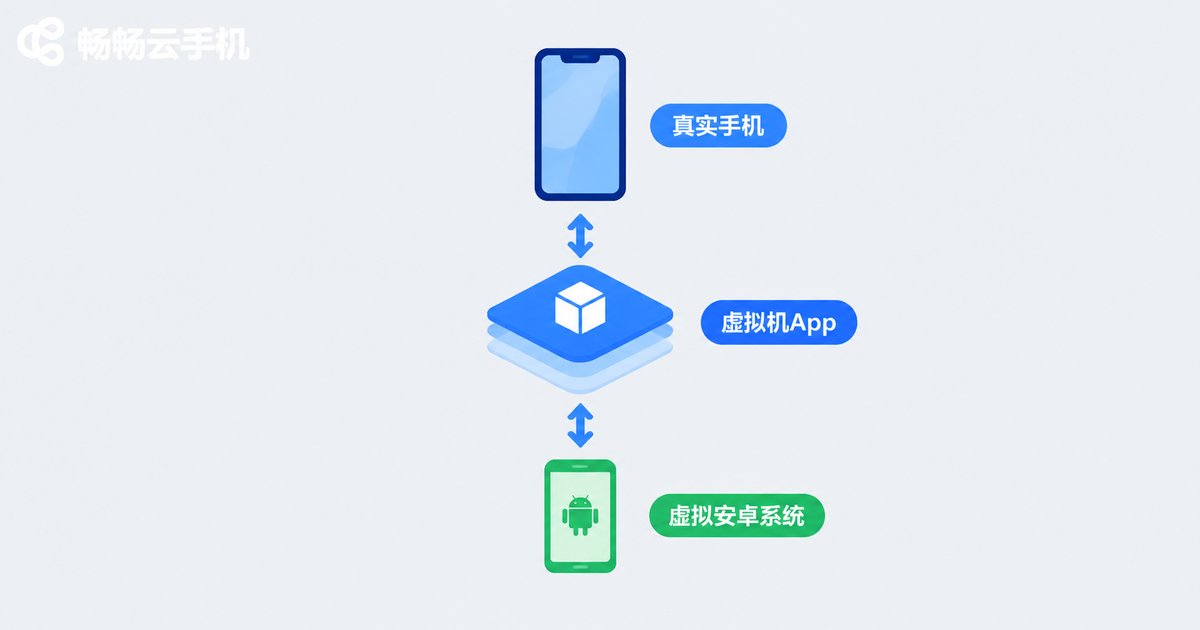
An Android virtual machine app, in simple terms, is an app that creates a second Android phone inside your phone. Using virtualization technology, it runs a standalone Android environment on top of your real system, complete with its own home screen, app list and separate data space — like carrying two phones in one device.
Apps installed, run or uninstalled inside the virtual machine never touch your real system, and the reverse is also true. This isolation is exactly why VM apps are popular for multi-account use, software testing and privacy protection.
What People Use Local Virtual Machines For
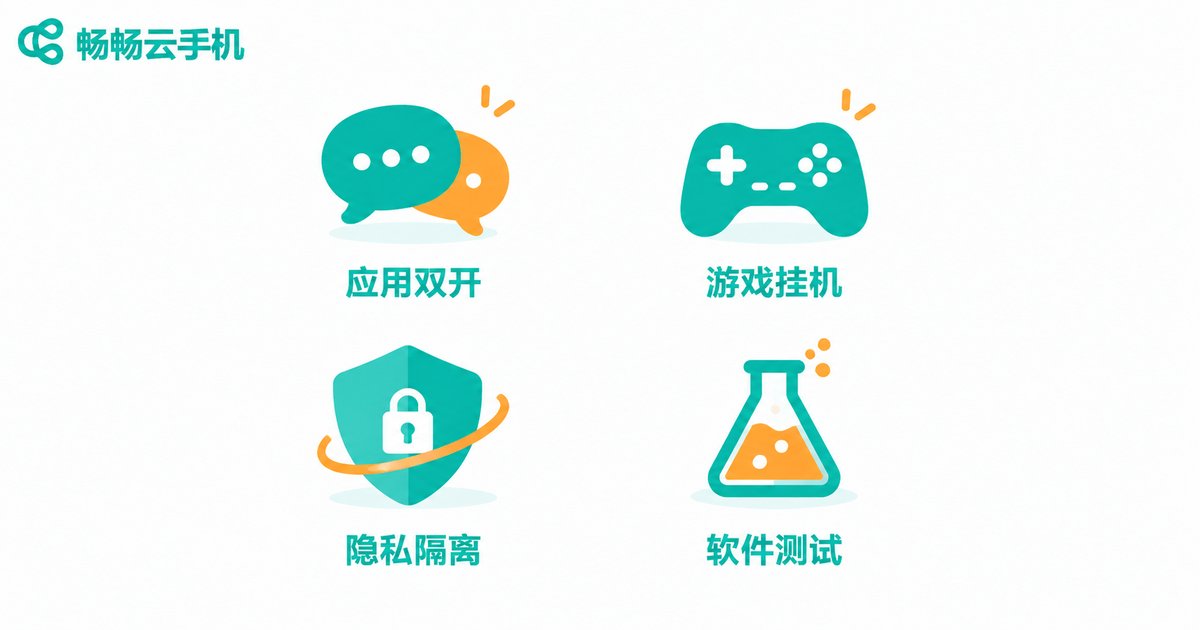
In practice, most people install an Android VM app for one of these reasons:
1. Cloning apps: Sign in to two messaging accounts or two game accounts on one phone, keeping work and personal life separate.
2. Running game alt accounts: Park an alt account inside the VM to farm resources and finish dailies while your main account stays on the real system.
3. Privacy and data isolation: Install unfamiliar or rarely used apps inside the VM so their permissions and data stay separate; delete the whole VM when you are done.
4. Safe testing: Try a new app or an older app version without messing up your main system.
The Limitations of Local Virtual Machines
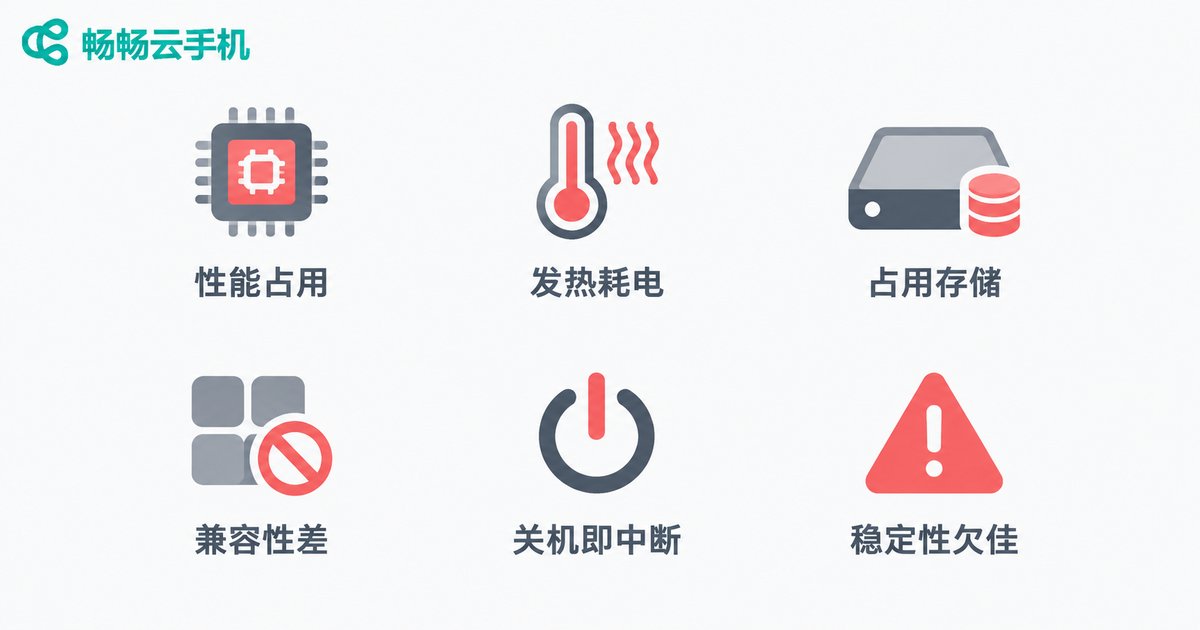
A local VM is convenient, but its nature is “running your phone with your phone” — every cost lands on a single device:
1. Heavy performance load: The VM reserves extra RAM and CPU; on mid-range or older phones, apps inside it often stutter.
2. Heat and battery drain: Long VM sessions keep the phone under sustained load — it gets hot and the battery empties fast.
3. Storage consumption: The VM system plus the apps and data inside easily take up several gigabytes.
4. Compatibility issues: Some apps detect the virtual environment and refuse to run — games with security mechanisms are notorious for this.
5. No hanging while powered off: The VM depends entirely on your phone staying on. Lock the screen, clear background apps or power off, and your tasks stop.
6. Poor stability: Background kills, crashes and frame drops are common complaints among local VM users.
Local Virtual Machine vs Cloud Phone
If your main use case is multi-account or long-running tasks, there is a smoother option: move the Android environment to the cloud with a cloud phone. Take ccloudphone as an example — Android runs on cloud servers while your phone simply acts as the remote controller:
| Item | Local VM | Cloud phone (ccloudphone) |
|---|---|---|
| Computing power | Your phone's CPU and RAM | Cloud servers |
| Heat and battery | Noticeable sustained load | Almost no local impact |
| When phone is off | Tasks stop | Cloud keeps running |
| Storage use | Several GB or more | None on your device |
| Number of instances | Limited by phone specs | Scales with cloud devices |
For users who need to keep games running for hours or manage many accounts, a cloud phone shifts the workload off your device: no heat, no battery drain, no storage use, and the cloud environment stays online even when you are away. Visit the ccloudphone official website to learn more.
FAQ
Q: Are Android virtual machine apps safe?
Mainstream VM apps downloaded from official stores are generally safe, but the environment inside is relatively open — only install software from trusted sources.
Q: Will a virtual machine slow down my phone?
While running, it consumes RAM and CPU, so lower-end phones will lag noticeably; resources are released when fully closed, but heavy daily use is hard on older devices.
Q: Can I leave a game running in the VM overnight?
Not reliably. A local VM needs the phone to stay awake — screen lock, background cleanup or shutdown can interrupt tasks. For overnight sessions, a cloud phone like ccloudphone is the better fit.
Q: Local VM or cloud phone — which should I choose?
For occasional app cloning, a local VM is enough. For long hours of hanging, multiple accounts, or concerns about heat and battery, a cloud phone is the smarter choice.


