
2026 Cloud Phone Tips: Try Before You Commit to Long-Term Use
In 2026, cloud phones are no longer a novelty. Whether you need to keep an app running in the background, run multiple instances, test software, or temporarily use a cloud device to get something done, a cloud phone can be useful. But for beginners, the biggest pitfall is not learning how to use one. It is buying a long-term plan right away and realizing after a few days that it does not fit your needs.
So the advice in this article is simple: try first, then decide whether long-term use makes sense. Below, we break this down into three stages: before the trial, during the trial, and after the trial.
1. Why beginners should try a cloud phone first
A cloud phone is essentially a virtual phone running in the cloud. You connect to it from your phone, computer, or tablet and operate it remotely. The experience depends on your network environment, the configuration you choose, and your actual use case. A setup that feels smooth to someone else may not be right for you, and a plan that works for someone else\u2019s background tasks may not match your needs.
Starting with a trial has at least three benefits:
First, you verify the real experience. Whether latency is high, whether the screen is clear, and whether controls feel responsive are things you can only judge after using it for a while.
Second, you confirm app compatibility. Whether your most-used apps can be installed, logged into, and run properly is a key factor in deciding on long-term use.
Third, you avoid impulse spending. A short trial costs less, and making a decision after trying is more prudent than buying a long-term plan upfront.
2. Before the trial, clarify three things
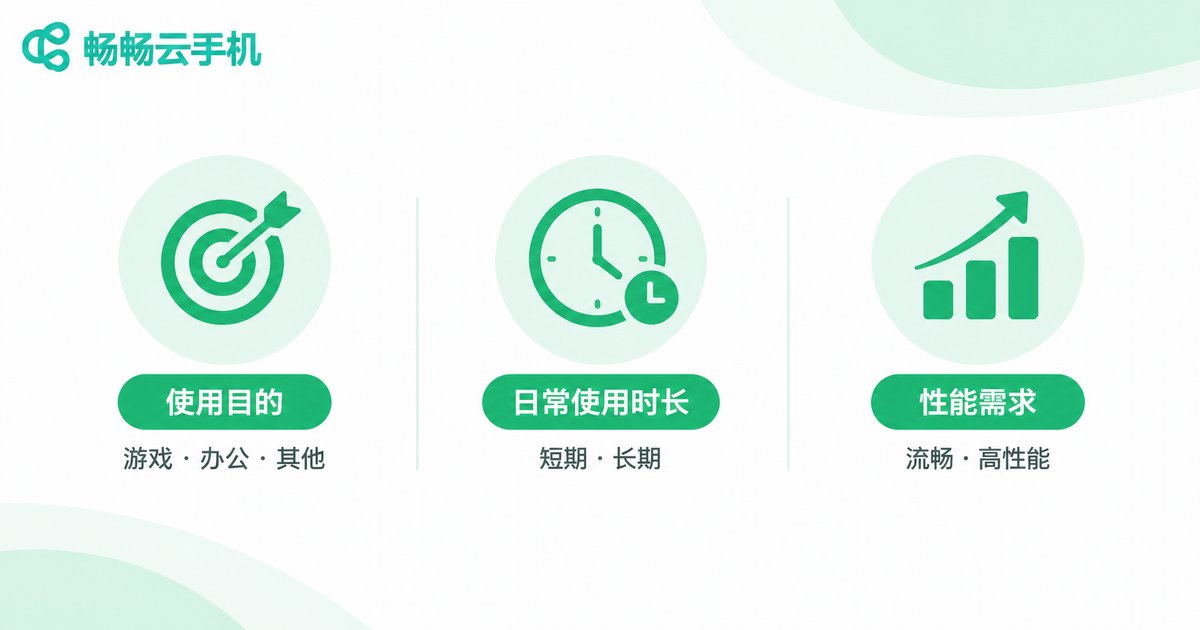
A trial should not be a random glance. It should be driven by questions. Before you start, answer these three questions:
1. What is your core use case? Is it running a game in the background, managing multiple social app instances, testing software, or temporary office work? Different use cases have very different requirements for configuration and network.
2. How long will you use it each day? Using it for an hour or two occasionally is very different from running it continuously for eight hours a day. Stability and configuration needs will vary.
3. How high are your expectations for smoothness and display quality? If you mainly need background tasks, stability may matter more. If you operate it frequently, responsiveness becomes more important.
Write these three answers down. They give you clear criteria during the trial and help you avoid being distracted by flashy features.
3. Five things to check during the trial
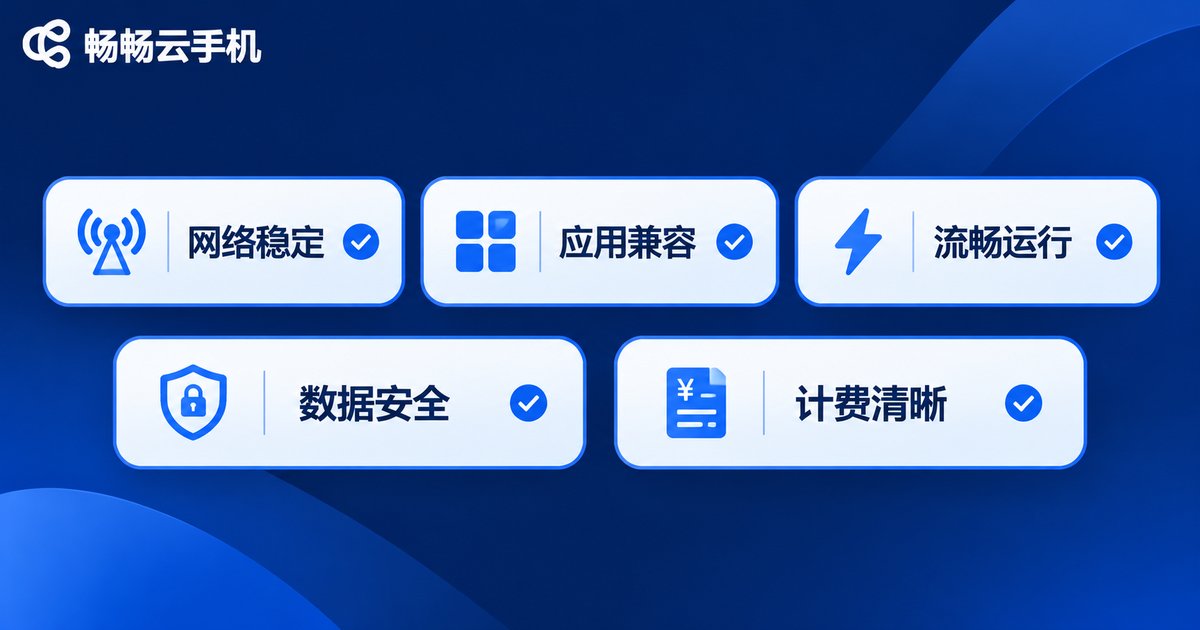
You do not need to test everything. Focus on these five areas:
| Check item | How to test | Pass criteria |
|---|---|---|
| Connection and latency | Connect during the day and at night, and watch for stuttering | Operations respond promptly with no obvious delay |
| App compatibility | Install and log into your two or three most-used apps | Apps open, log in, and run normally |
| Operation smoothness | Swipe, tap, and type for several minutes | Controls feel responsive without frequent frame drops |
| Data and account safety | Log out and log back in to see whether data is retained | Data status matches your expectations |
| Billing clarity | Review billing methods and renewal rules | Rules are clear and can be chosen as needed |
Keep simple notes during each trial session, such as higher latency at 8 p.m. or a certain app logging in normally. These notes will be important evidence when you make a long-term decision.
4. A more scientific trial process
If you do not want to decide based on feelings, follow this simple process:
Step 1: Start with a short period. Choose a shorter trial period first. Do not buy a long-term plan at the very beginning.
Step 2: Test fixed scenarios. Use the same app at the same time each day and observe stability.
Step 3: Keep a problem list. Note issues such as stuttering, crashes, or login errors, and check whether they affect your core use case.
Step 4: Compare different time slots. Try once during peak network hours and once during off-peak hours to judge stability.
Step 5: Decide on long-term use. If your core tasks can be completed reliably, then consider a long-term plan.
5. When is long-term use a good fit?
After the trial, use the table below to make a judgment:
| Dimension | Keep trialing | Long-term use |
|---|---|---|
| Usage frequency | Once or twice a week | Almost every day |
| Core scenario | Still exploring use cases | Clear and stable use case |
| Experience | Occasional stuttering but acceptable | Common apps run stably |
| Cost perception | Still comparing options | Long-term cost fits your budget |
If most of your answers fall in the right column, long-term use is likely more cost-effective for you. If they are still on the left, continue trialing or adjust your configuration instead of rushing into a long-term decision.

6. A beginner-friendly option: ccloudphone
If you are ready to start a trial, you can look into ccloudphone. It provides cloud-based virtual phone services that you can connect to from common devices, suitable for background tasks, multiple instances, and app testing. Beginners can start with a lower configuration, confirm that the network and common apps work properly, and then adjust based on actual needs.
When choosing, focus on three things: whether the configuration matches your use case, whether the connection is stable, and whether the billing rules are clear. For specific available configurations and service details, refer to the official ccloudphone website. Trying first and deciding later is more rational than committing blindly to a long-term plan.
Frequently Asked Questions
Q: How many days should a cloud phone trial last?
We recommend covering at least one full usage cycle, such as three to seven consecutive days, including weekdays and weekends, so you can better judge stability.
Q: What should I prepare before the trial?
Prepare the accounts for your common apps, a stable network environment, and a simple trial checklist so you know exactly what to test.
Q: Do cloud phones have high network requirements?
Cloud phones rely on network connections. The more stable your network, the smoother the experience usually is. Try it on Wi-Fi or a stable connection.
Q: Will my data be retained after the trial?
Data policies may vary between services. Before the trial, learn about data retention and cleanup rules, and back up important data in time.
Q: What configuration should a beginner choose first?
Start with a basic configuration that meets your core use case. After the trial, adjust based on smoothness and multi-instance needs. There is no need to chase a high configuration from the start.
Q: How do I start a trial with ccloudphone?
Visit the official ccloudphone website to learn about the service and available configurations, then follow the on-page instructions to start. Please refer to the official website for details.


