
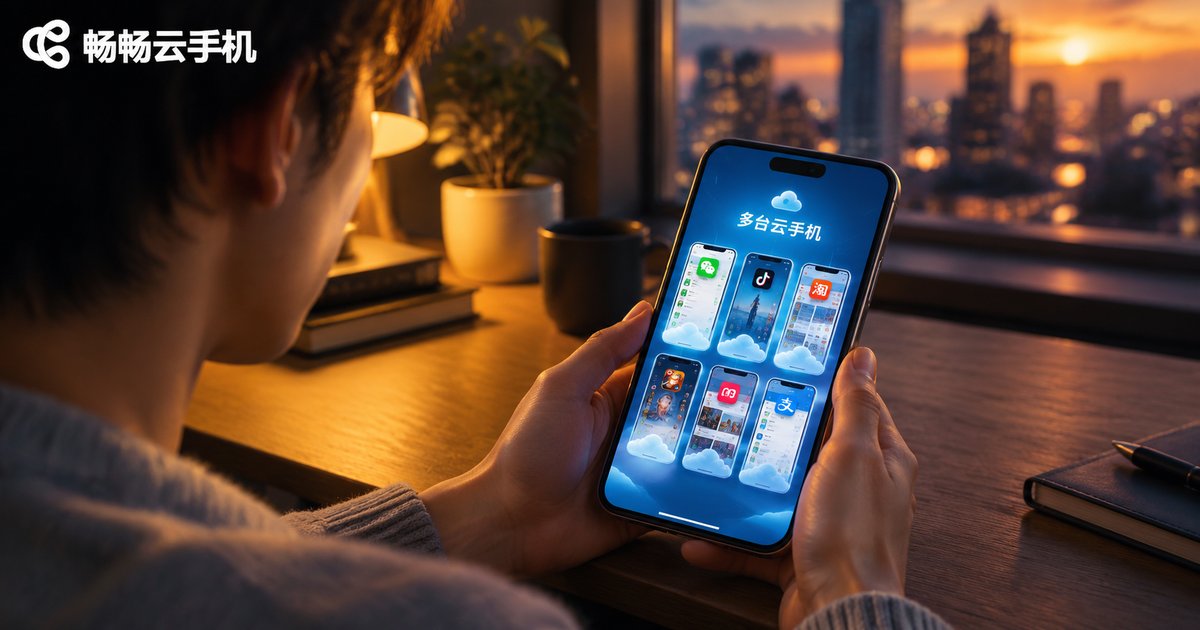
How Many Cloud Phone Apps Can One Phone Install? Multi-Client Coexistence Limits
Short Answer: No Hard Limit, But Experience Is What Counts
One of the most common questions from first-time cloud phone users is: how many cloud phone apps can a single phone install? Technically, Android imposes no hard limit on the number of apps you can install. A cloud phone client is just an ordinary app — as long as you have enough storage, installing three, five or more is not a problem.
However, “installable” and “usable” are two different things. The real bottleneck is not the system but your phone's hardware and network conditions. Let's break it down.
The Four Factors That Actually Limit You
A cloud phone client works by streaming the screen of a remote server to your phone in real time while sending your taps back. This means every extra client adds one more continuous video stream. The limits show up in four areas:
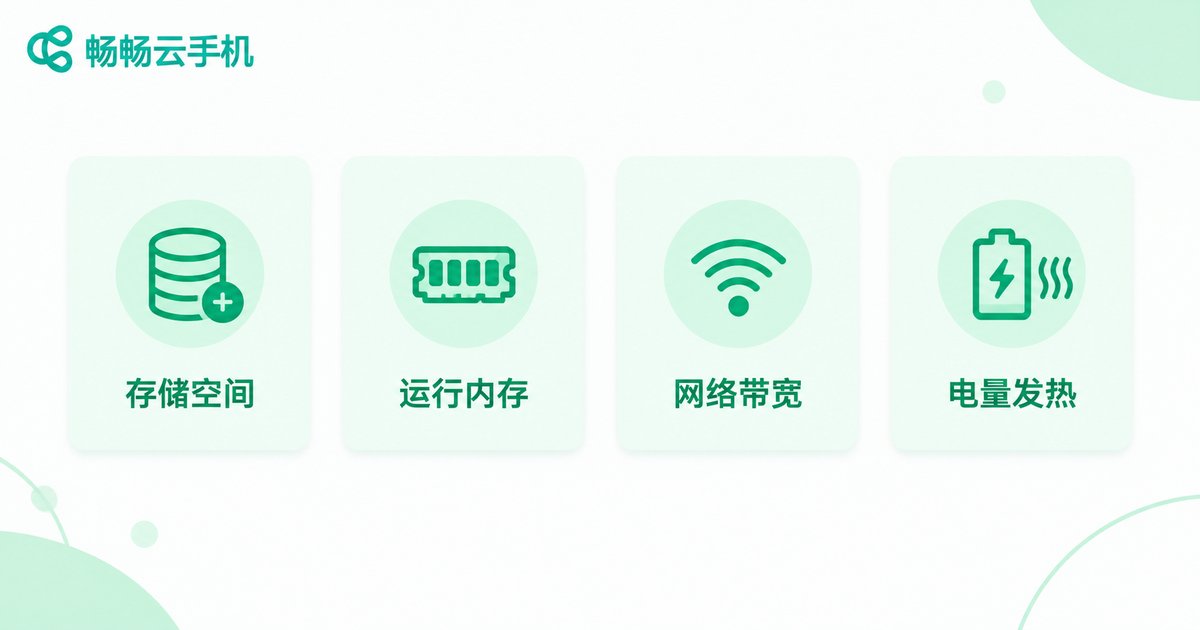
1. Storage: A single cloud phone app usually takes tens to hundreds of MB, and caches plus downloaded data often double that. Phones with tight storage will run out quickly.
2. RAM: The most overlooked factor. Although the computing happens in the cloud, the local client still handles video decoding and rendering. Running three or four clients at once makes low-RAM phones lag, and background clients are easily killed by the system.
3. Network bandwidth: Every client continuously pulls a video stream. Multiple clients compete for bandwidth, causing blurry images, higher latency and less responsive controls — especially on mobile data.
4. Battery and heat: Continuous video decoding drains the battery fast. Running several clients in parallel makes your phone heat up and lose charge noticeably quicker.
Multi-Opening One Platform, or Installing Several Platforms?
To run multiple cloud phones on one device, there are two common routes: using the phone's built-in app cloning / dual-app feature to duplicate the same app, or installing cloud phone apps from different platforms. Both come at a cost:
App cloning is not supported on all devices, cloned apps vary widely in stability, and may even raise account-safety risks in some scenarios. Installing multiple platforms means separate registrations, separate billing and separate management — doubling your learning and management costs.
| Item | Multiple local cloud phone apps | One client, cloud multi-instance |
|---|---|---|
| Local storage usage | High, multiple apps plus caches | Low, one client only |
| Smoothness when running together | Limited by phone hardware | Independent cloud power, no interference |
| Battery and heat | Multiple decoders, fast drain | Single client, lighter load |
| Management efficiency | Switching between many apps | Unified management in one interface |
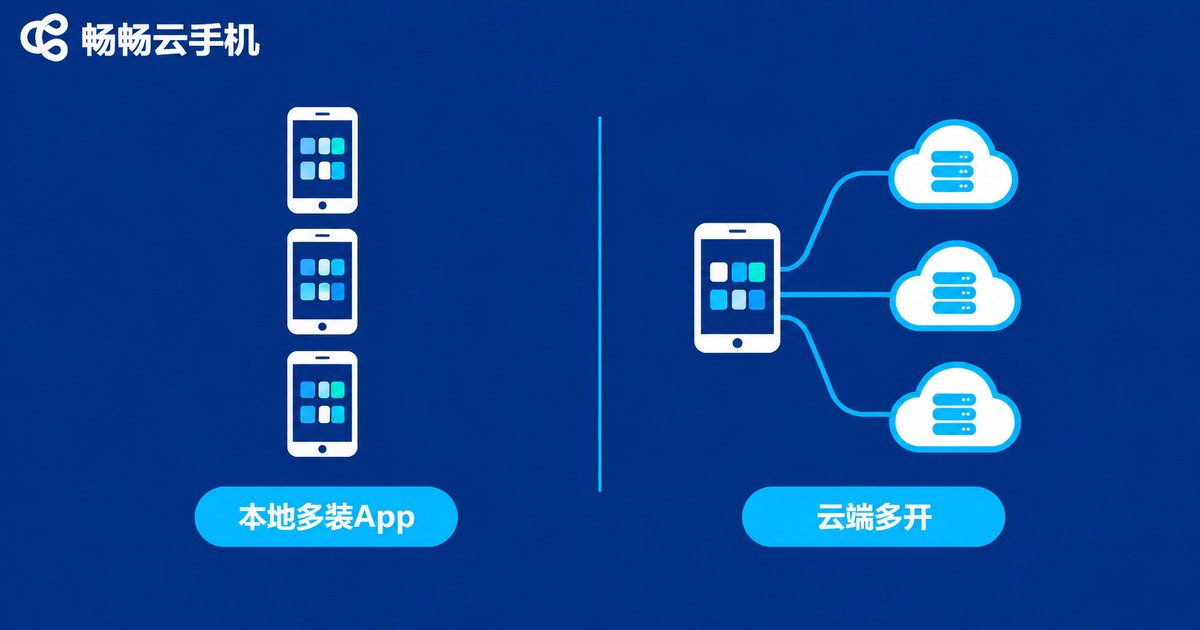
A Smarter Approach: Let the Cloud Handle Multi-Opening
By now it should be clear: the root of every multi-client limitation is the word “local”. So the smarter move is not to cram more apps into your phone, but to choose a cloud phone platform that supports multi-instance and manage many cloud phones from one client.
Take ccloudphone as an example. It runs real devices in the cloud, and every cloud phone has its own independent environment with no mutual interference. You only keep one client on your phone while managing multiple cloud phones at the same time — whether for multi-account gaming, idle farming or daily use — greatly reducing local storage, memory and battery pressure. The exact number of cloud phones you can run at once depends on your plan; see the official website for details.
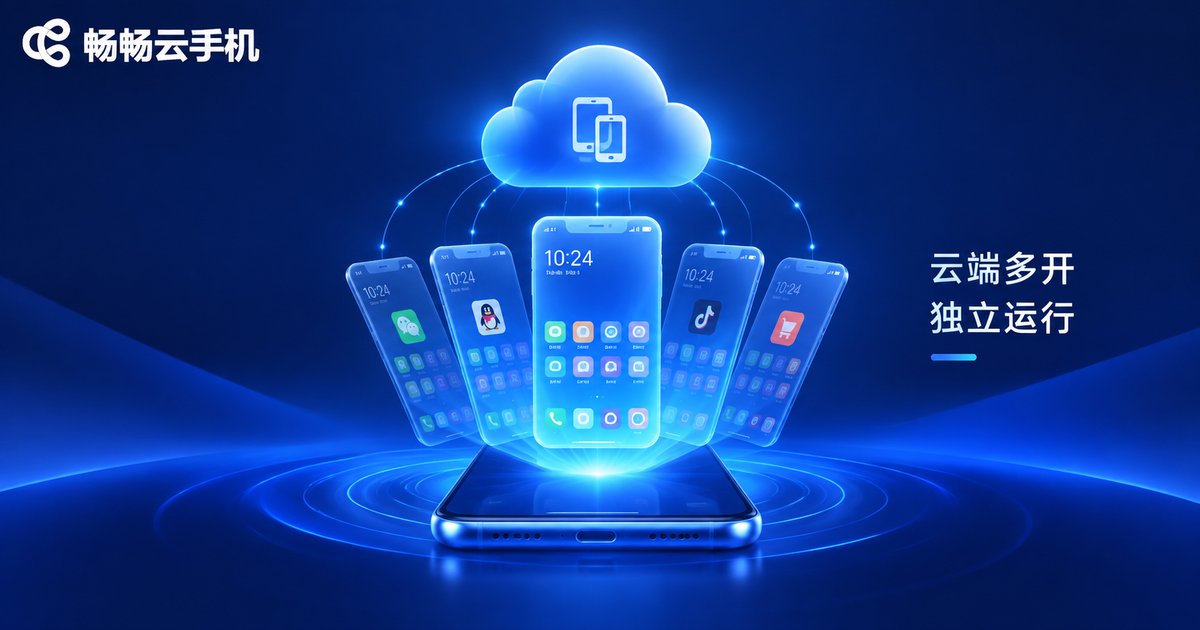
In this model, the question changes from “how many cloud phone apps can one phone install” to “how many cloud phones can one client open” — the limit shifts from your phone's hardware to the service capability, which is far more scalable.
Tips for Multi-Client Coexistence
If you do need several cloud phone clients on one phone, keep these tips in mind:
1. Download from official channels: Cloud phone apps involve account and virtual device security. Always install from the official website or trusted app stores, never from unknown packages.
2. Prefer Wi-Fi: Multiple simultaneous clients demand high bandwidth. A stable Wi-Fi connection improves the experience and saves mobile data.
3. Allow background running: Grant background permissions in system settings so idle tasks are not killed mid-way.
4. Accounts and billing are separate: Accounts and memberships on different platforms are independent. More apps does not mean better value — choose based on real needs.
FAQ
Q: What is the maximum number of cloud phone apps one phone can install?
There is no hard system limit; storage is the main constraint. In practice, running 2-3 clients smoothly at the same time is a realistic ceiling once RAM, network and battery are considered.
Q: Will running several cloud phone clients at once lag?
Most likely yes. Each client continuously decodes a video stream, so local performance and bandwidth become bottlenecks. If multi-opening is your core need, a cloud-side multi-instance platform like ccloudphone is the better choice.
Q: Does the phone's built-in dual-app feature work for cloud phone apps?
Some devices support it, but stability varies by model, and cloned apps may perform poorly in background keep-alive and notifications. Do not rely on it for important tasks.
Q: How many cloud phones can ccloudphone run at the same time?
ccloudphone lets you manage multiple cloud phones inside one client, with independent cloud instances running in parallel. The exact number depends on the service you choose — check the official website for details.
Q: Do multiple cloud phone apps conflict with each other?
Normally no — they are independent apps. But they share the phone's storage, RAM, network and battery, so the more you install, the more each app's experience may degrade.


