
Why Are Cloud Phones More Expensive Than Emulators? A Breakdown of the Price Difference
The Short Answer: You Are Paying for a Real Phone, Not Just a Piece of Software
When people first try a cloud phone, the same question usually comes up: emulators are free to download, so why do cloud phones charge a monthly fee? The answer is simple — an emulator is just software running on your own computer, while a cloud phone is a real Android device running in a data center. What you pay for is essentially the rental of real hardware, network resources, and maintenance services.
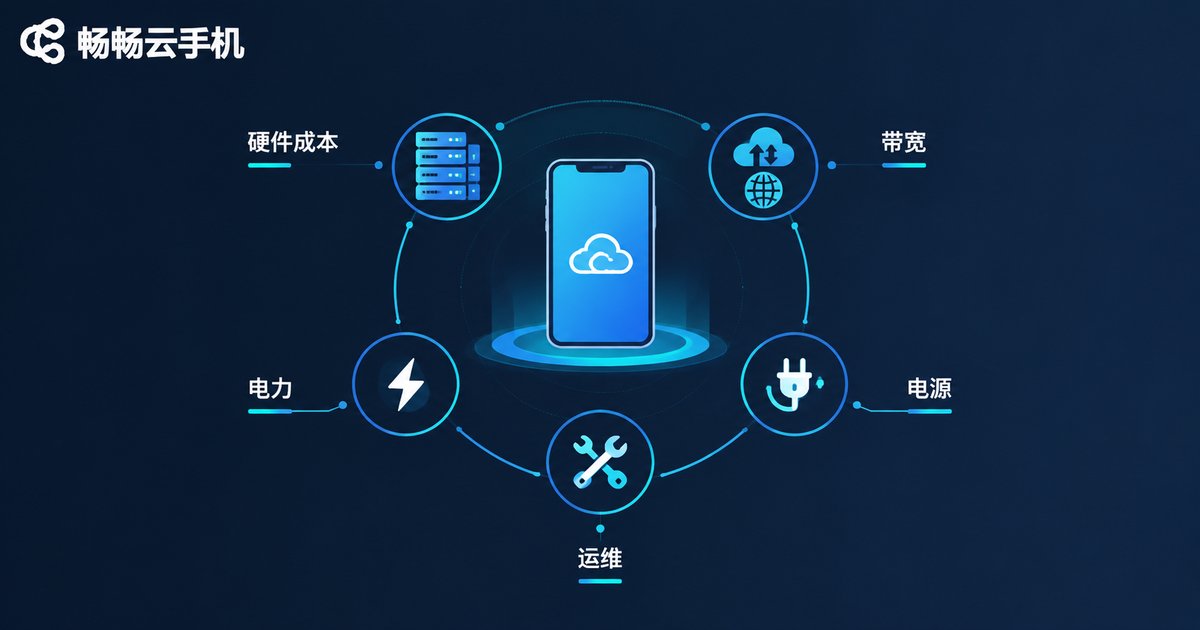
Reason 1: Real Hardware Investment Behind Every Instance
An emulator uses your computer's resources, so the vendor bears almost no cost. A cloud phone, however, runs on real ARM chips or physical device boards inside a data center. A single server often hosts dozens or even hundreds of cloud phone instances, and procurement, power, cooling, and facility costs are all genuine expenses. These costs are naturally distributed into the monthly fee of each cloud phone.
Reason 2: A Real Device Environment Means Better Stability and Compatibility
An emulator simulates Android on a computer, and the underlying architecture is not fully identical. Some apps may crash or lag, and environment-sensitive services may flag the setup as abnormal. A cloud phone provides a genuine Android environment with better app compatibility and behavior closer to a real phone — one of the reasons its technical cost is higher.
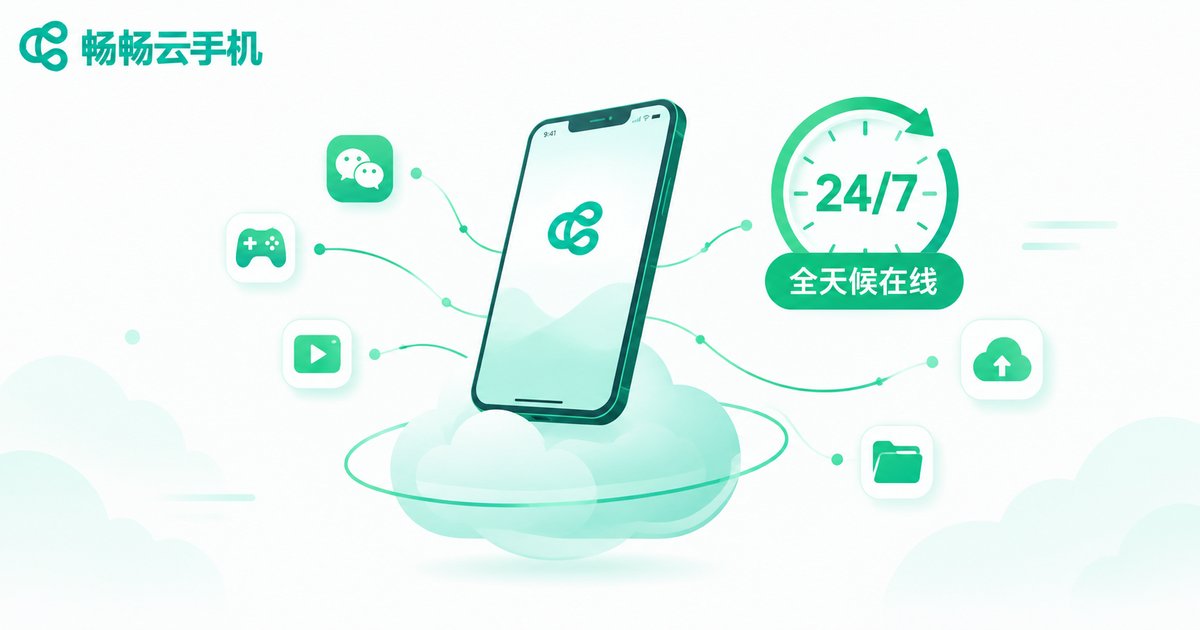
Reason 3: The Cost of Staying Online 24/7 Is Borne by the Data Center
To keep an emulator running, your computer must stay on — and you pay for the electricity, noise, and hardware wear. A cloud phone runs in the cloud: close your laptop or turn off your phone, and your tasks keep running. Continuous power, continuous network, and professional maintenance are exactly what the monthly fee pays for.
Reason 4: The Hidden Costs Behind a Free Emulator
An emulator looks free, but it is not really cheap:
- Long hours of heavy load mean higher electricity bills and hardware depreciation;
- Running multiple instances demands a high-end PC, and ordinary computers struggle after just a few;
- Emulator environments are easy to identify, and some apps may not run properly on them.
Once you add up these hidden costs, a free emulator is not such a bargain after all.
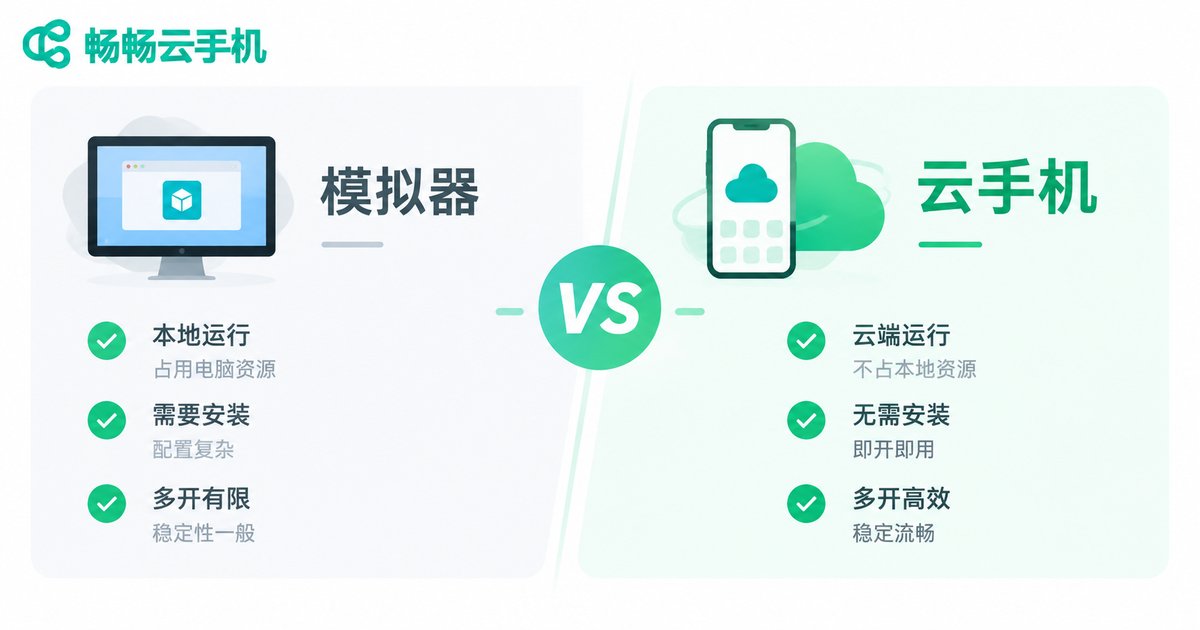
Cloud Phone vs Emulator at a Glance
| Dimension | Cloud Phone | Emulator |
|---|---|---|
| Environment | Real device in the cloud | Simulated on a PC |
| Cost | Monthly subscription | Free software |
| 24/7 online | Yes, no local PC needed | PC must stay on |
| Multi-instance | Elastic cloud scaling | Limited by PC specs |
| Electricity and wear | Borne by the provider | Borne by you |
Which One Should You Choose? It Depends on Your Use Case
If you only play mobile games on your computer occasionally, an emulator is good enough. But if you need game automation, multi-account operations, or 24/7 uptime, a cloud phone is the more reliable choice. The higher price reflects what you get: peace of mind, stability, and the freedom to stay online anytime.
Why We Recommend ChangChang Cloud Phone
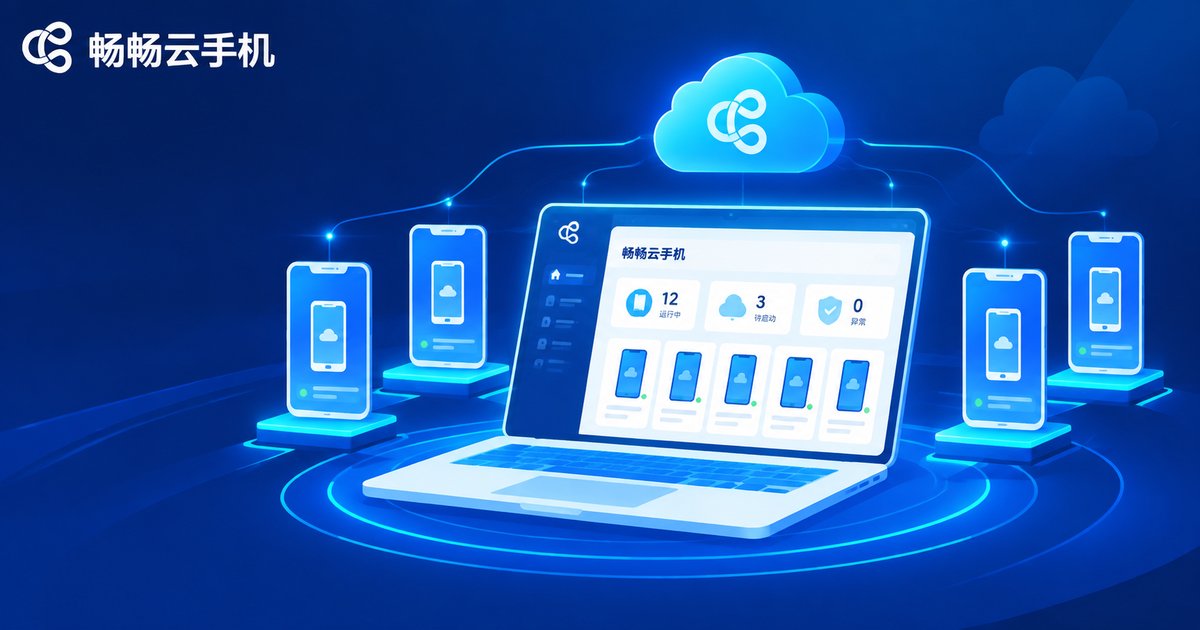
Among cloud phone services, ChangChang Cloud Phone (ccloudphone) is built on a real Android environment, supports round-the-clock cloud operation, and lets you manage multiple cloud phones from one place — ideal for game automation and daily multi-account management. It is easy to get started; for the latest plans and pricing, simply visit the official ChangChang Cloud Phone website and choose what fits your needs.
FAQ
Q: Why can't cloud phones be free like emulators?
Cloud phones consume real hardware, bandwidth, and data center resources that require continuous investment. The monthly fee is what keeps the service stable and reliable.
Q: Is the monthly fee worth it?
If you need long uptime and multi-instance management, the electricity, hardware wear, and time you save usually exceed the subscription cost itself.
Q: Can I use a cloud phone on a low-spec computer?
Yes. All computing happens in the cloud; locally you only need a client with an internet connection. Even an old PC or a phone works smoothly.
Q: What scenarios suit ChangChang Cloud Phone?
It fits game automation, multi-account operations, and keeping apps online 24/7. Check the official website for more details on features.


