

Cloud Phone Use Cases Reviewed: Gaming, Live Streaming and Office Work Each Have Their Own Tricks and Pitfalls
What Exactly Is a Cloud Phone?
Simply put, a cloud phone is an Android phone that runs in the cloud. Your physical device only handles seeing the screen and tapping the controls, while the actual computing, storage and execution happen on servers in a data center. That means you can use an ordinary phone or computer to control several—or even dozens—of virtual phones at the same time.
Sounds great, but different use cases have completely different requirements for a cloud phone. Gaming demands performance and stability, live streaming demands network quality and multi-account management, and office work demands data isolation and low latency. Choose the wrong setup for your scenario, and the pitfalls show up fast.
Scenario One: Gaming Automation and Multi-Accounting—Upsides and Pitfalls Together
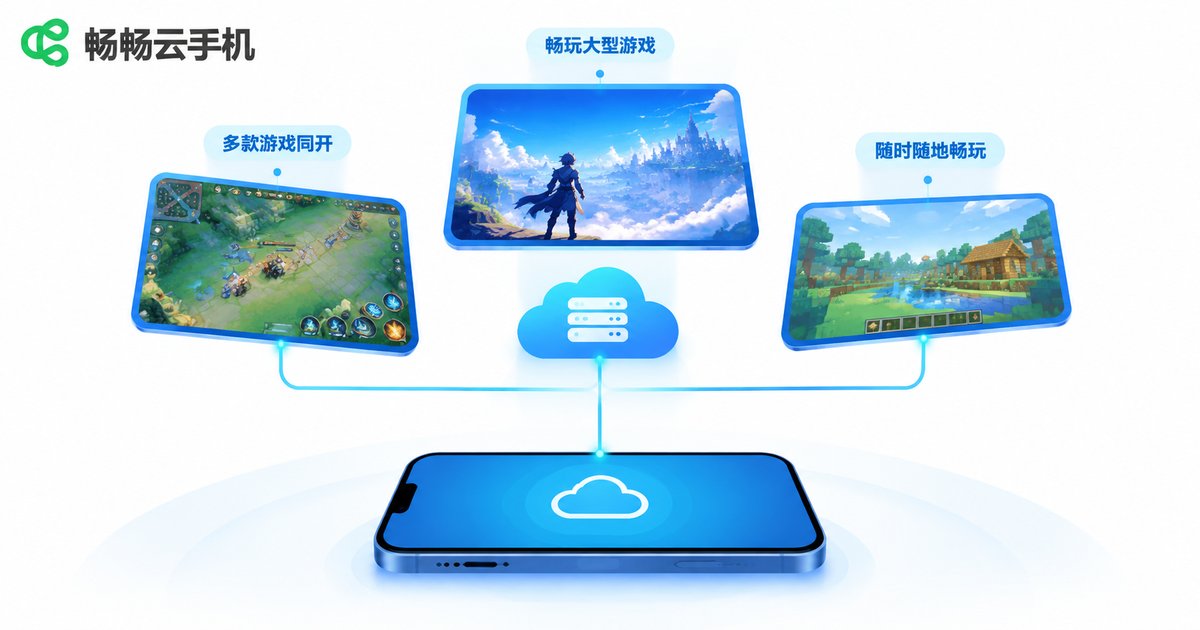
Gaming is the most mainstream use case for cloud phones. Players typically do three things:
- Offline idle farming: Idle and progression games need long online sessions to farm resources. A cloud phone keeps running, and turning off your local device does not interrupt it.
- Running multiple accounts: A player raising several alt accounts can open them side by side on one screen, with almost zero switching cost.
- Cross-device continuity: Check progress on a PC at work, continue on your phone at home—everything is saved in the cloud.
Where are the pitfalls? The first is inflated specs. Some cloud phones advertise flagship hardware, but drop frames badly on heavy 3D titles—fine for idle farming, painful for real play. The second is that multi-instance does not mean unlimited: device count and memory have ceilings, and opening too many instances drags them all down. The third is account safety: when several accounts log into the same game, unstable network environments and IPs can trigger risk controls.
So when choosing a cloud phone for gaming, focus on three things: the real performance of a single instance, how well resources are isolated across instances, and whether the network route is stable.
Scenario Two: Live Streaming and Account Matrices—Network Is the Lifeline
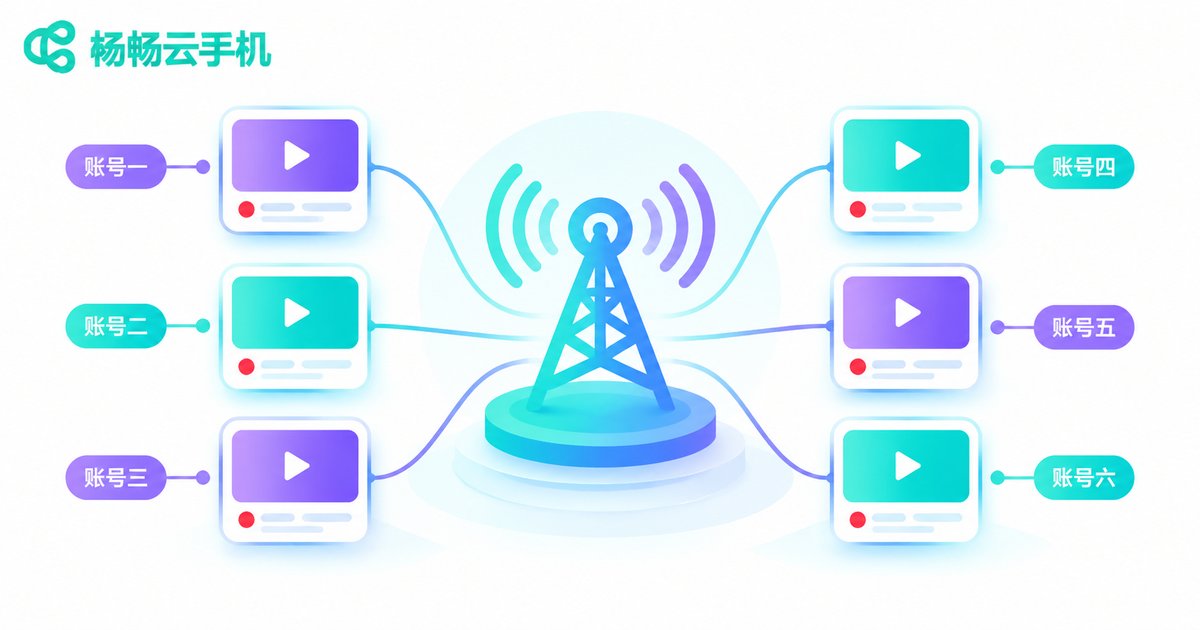
In live streaming, cloud phones solve two main problems. First is multi-account management: operations teams often maintain many accounts across several platforms at once. Second is long-running availability, such as keeping a room active, auto-replying, or monitoring data around the clock.
This scenario is even harsher on the network than gaming. Live streaming is a real-time flow, so once latency climbs, the interactive experience visibly degrades; a single network jitter can mean a dropped connection. On top of that, when multiple accounts log into the same platform, highly repetitive device fingerprints and IP addresses are easily flagged as abnormal activity.
Common pitfalls include: a data center too far from you causing high latency, multiple instances sharing a single egress IP, and some cloud phones not supporting camera or microphone access, which limits broadcast features.
If you run a streaming matrix, ask these questions before you buy: are dedicated IPs supported, are audio and video peripherals supported, and where are the data center nodes located.
Scenario Three: Mobile Office and App Testing—Stability and Security First
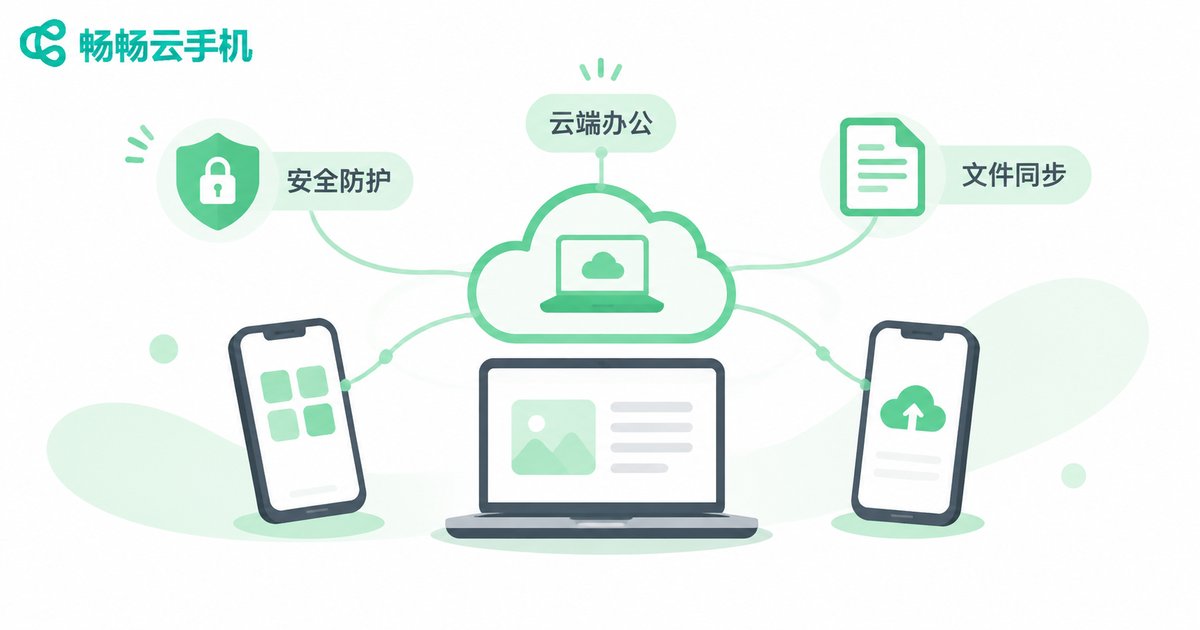
The office scenario sounds less flashy, but the needs are very real:
- Remote access to internal company apps: business data does not have to live on a personal phone.
- App compatibility testing: development and QA teams need clean environments across different Android versions.
- Temporary work devices: traveling staff and contractors connect through cloud phones, and instances are recycled when done.
The biggest pitfall in office use is data security. Data on a cloud phone lives in the cloud, so if the provider does not isolate and encrypt it properly, enterprise data is exposed. Next is operational latency: when screens stutter during spreadsheet work or approval flows, efficiency actually drops.
Also, many business apps check the runtime environment, and some cloud phones run modified systems that prevent those apps from logging in properly. This point is the easiest to overlook during selection.
Side-by-Side Comparison: Different Needs, Different Selection Criteria
| Dimension | Gaming Automation | Streaming Matrix | Mobile Office |
|---|---|---|---|
| Core need | Stable performance, multi-instance | Low latency, dedicated IPs | Data isolation, compatibility |
| Biggest pitfall | Inflated specs, risk controls | Network jitter, duplicate fingerprints | Data leaks, environment checks |
| What to check | Per-instance specs, resource isolation | Data center nodes, peripheral support | Encryption, system cleanliness |
| Online duration | Long-running | Long-running | On demand |
How to Pick a Reliable Cloud Phone
After reading the three scenarios above, you will notice the selection logic is actually consistent: first be clear about what you mainly need to do, then ask about the key metrics that match it.
Take ccloudphone as an example. It provides cloud-based Android instances with multi-instance management and long-running availability, covering common scenarios such as gaming automation, live-streaming interaction and office applications. Before using it, do three things:
- Validate on a small scale before going big: run your actual workflow on one or two instances and confirm latency and stability meet expectations.
- Test the network properly: measure latency and packet loss at different times of day, not just the numbers on the marketing page.
- Ask about instance limits: how many instances your business really needs, and whether performance drops noticeably beyond that ceiling.
A cloud phone essentially turns a device into a service. Its value is not in how impressive the spec sheet looks, but in whether it can reliably do the work for you.
Frequently Asked Questions
Q1: Will a cloud phone be detected by games or platforms?
Cloud phones run standard Android environments, so normal use is generally fine. However, running too many instances with highly repetitive IPs can still trigger platform risk controls. Keep the scale reasonable and pay attention to your network environment.
Q2: Do I need to keep my local phone on all the time?
No. Cloud phones run in the cloud, and your local device is only a display and control terminal. After you turn off your phone or computer, the cloud instance keeps running.
Q3: What special requirements does live streaming place on a cloud phone?
Mainly network latency and peripheral support. Choose a data center node close to you and confirm whether camera and microphone access is supported.
Q4: Is it safe to use a cloud phone for office work?
It depends on the provider's data isolation and encryption capabilities. Enterprise users should confirm where data is stored, how access permissions are controlled, and how instances are recycled.
Q5: How many apps can one cloud phone run at the same time?
It depends on the instance configuration. Lightweight apps can run together, while heavy games are better off with one dedicated instance each to avoid resource contention.


