
Cloud Phone Technical Support Response Speed: Issue Classification and Handling Process
Response speed is the most overlooked part of the cloud phone experience
Many people pick a cloud phone by looking only at the spec sheet and the price. Only after using one for a while do they realize that what really shapes daily productivity is whether they can connect when things get choppy, how long it takes for someone to reply when something breaks, and whether the issue is fixed in a single round. A cloud phone is essentially a device running in a data center: you see its screen and operate its apps through a client. Between you and that device sit four layers - the network, the node, the virtualization layer and the client. A problem in any one of them shows up on your side as lag, disconnection or a black screen.
This article breaks cloud phone technical support into two questions: how issues are classified, and what the handling process looks like from ticket to resolution. Once you understand both, you can pre-judge half of any problem yourself next time - and write a ticket that an engineer understands at a glance.
Classify the issue first, then you know how long to expect
How fast support feels depends heavily on which category the issue falls into. The same sentence - it does not work on my side - could mean local network jitter or an abnormal instance, and the two take completely different paths. The table below works as a self-check reference before you submit a ticket.
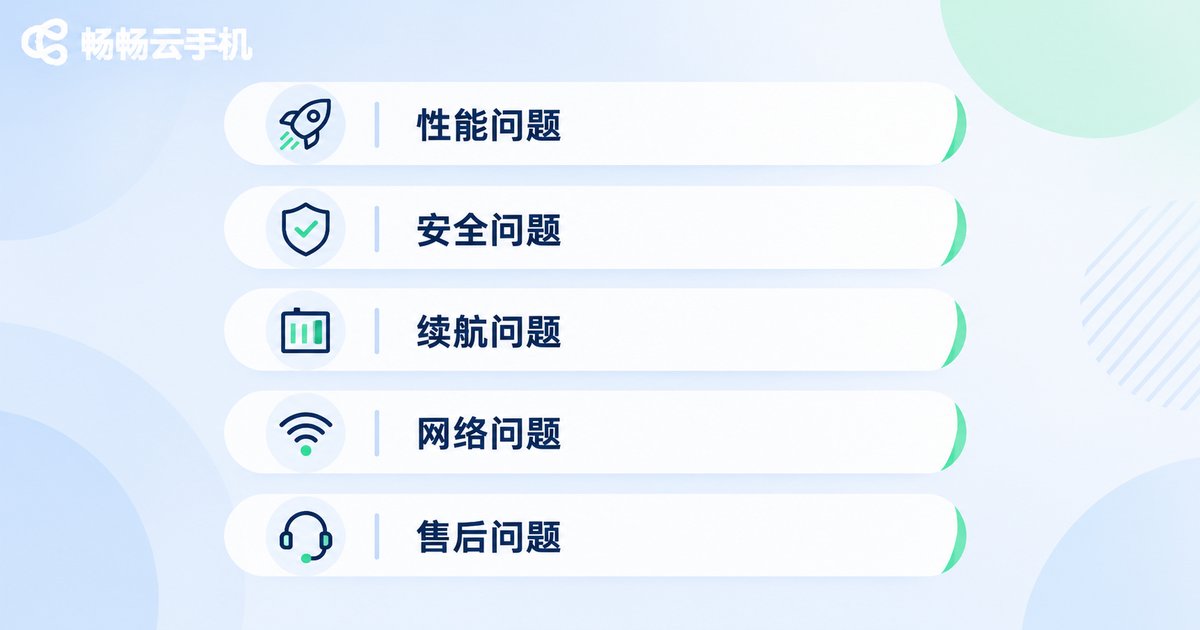
| Issue category | Typical symptoms | Impact scope | Suggested priority |
|---|---|---|---|
| Connection and login | Cannot connect to the instance, frequent drops after login, verification failure | Account or node level | High |
| Display and smoothness | Stuttering frames, noticeable input lag, resolution fluctuating | Single instance | Medium-high |
| App compatibility | App crashes, black screen on launch, installation failure | Specific apps | Medium |
| Instance and configuration | Long waits when creating or resetting an instance, configuration not matching reality | Single instance | Medium |
| Account and service | Login information errors, order or entitlement display mismatch | Account level | High |
One pattern stands out: the wider the impact and the closer the issue sits to the account and connection layer, the higher the priority. If your problem lands in a high-priority zone, include the account, instance ID, timestamp and a screenshot of the error in one go - that usually saves at least one round of back-and-forth.
From ticket to closure: a complete handling process
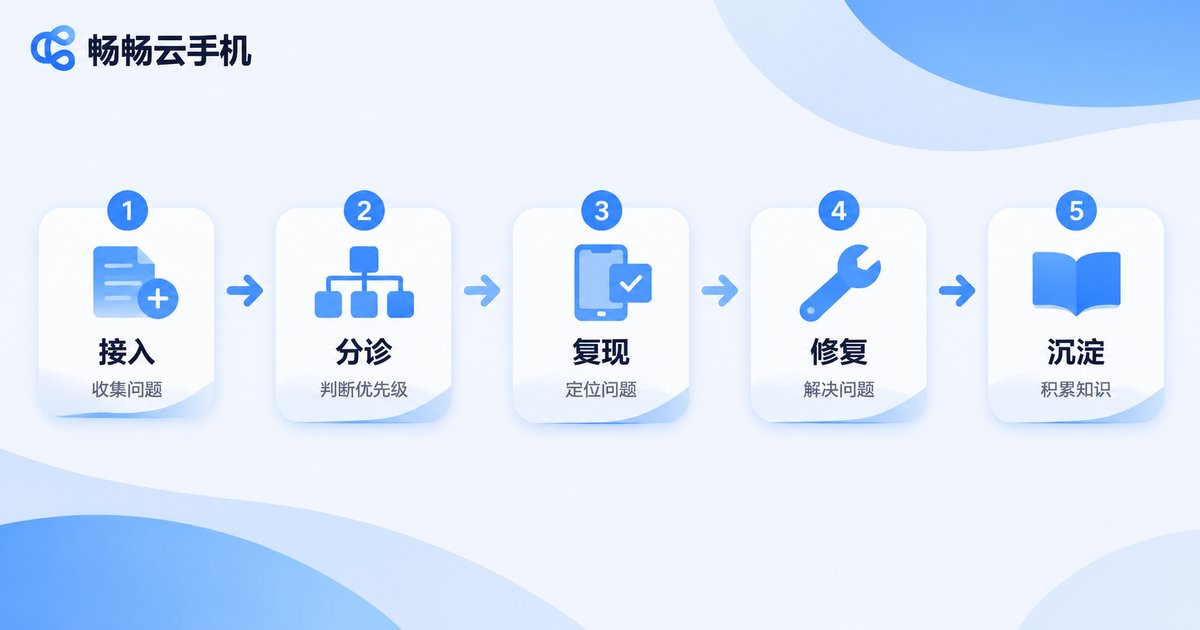
A well-run cloud phone provider typically moves a ticket through these steps:
- Intake and logging: the ticket is automatically tagged and routed to the right team by issue category, so it does not queue in the wrong place.
- Initial triage: an engineer first determines whether this is a single-instance issue or a node-level issue. The former means reading instance logs; the latter means checking the overall node status.
- Reproduction and verification: the engineer follows your operation path on a test instance to confirm the root cause. If it cannot be reproduced, you will be asked for a more precise timestamp and step sequence.
- Fix and follow-up: the conclusion is shared, and the ticket only closes after you confirm things are back to normal.
- Retention and prevention: similar cases go into an internal knowledge base, so the next user hitting the same symptom can be matched to an existing solution.
Steps 2 and 3 are where most time is spent. That means fast response is not just about a support agent replying quickly - what matters far more is whether the issue can be pinpointed in one pass. Mature teams invest heavily in logs, monitoring and knowledge bases instead of asking you to describe the problem three times.
Four behind-the-scenes factors that decide response speed
Node and network quality: node load and line stability determine how often failures happen at all. Fewer incidents mean a shorter queue, and your ticket gets seen sooner.
Monitoring and alerting: a good team does not learn about an outage from user tickets. Abnormal instances, node jitter and rising connection failure rates should trigger alerts before users even notice.
Knowledge base and self-service: many issues already have a standard answer. The clearer the official documentation, FAQ pages and console status messages are, the fewer tickets users need to file - and the sharper the ones they do file.
Ticket routing mechanics: whether the category is right, whether routing is accurate and whether there are timeout reminders decide whether a ticket sits with the right person or sleeps in a queue.
A well-written ticket halves the resolution time
Technical support is a two-way street. The more complete the clues you provide, the faster the diagnosis. You can copy this template directly:
[Symptom] One sentence, e.g. the instance disconnects about 30 seconds after connecting
[Timestamp] Around 2025-01-01 14:20 - is it reproducible every time?
[Account/Instance] Account identifier + instance ID
[Client environment] OS version, client version, network type (wired/wireless)
[Steps] 1. Open the client 2. Connect to the instance 3. Open an app and use it for about a minute
[Already tried] Restarted client, switched network, restarted instance - none helped
[Attachments] Screenshot or screen recording of the error
One more reminder: run three basic checks before filing - switch to another network, restart the client, restart the instance. These three actions clear a fair share of transient problems, and they let you state clearly in the ticket what has already been tried.
How ccloudphone approaches technical support
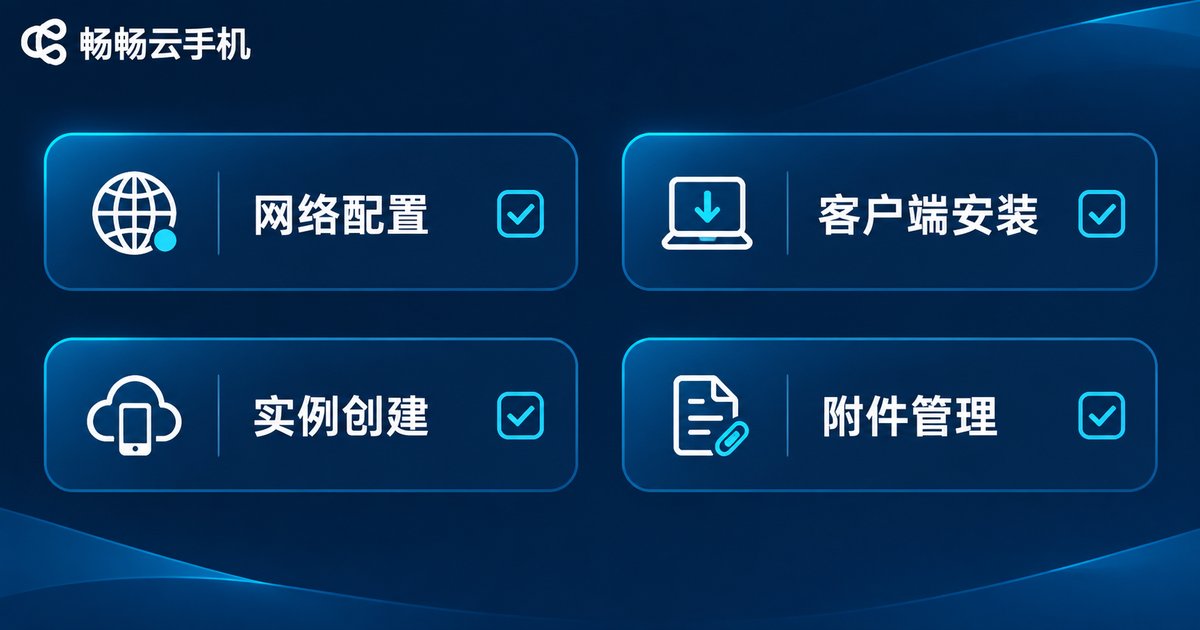
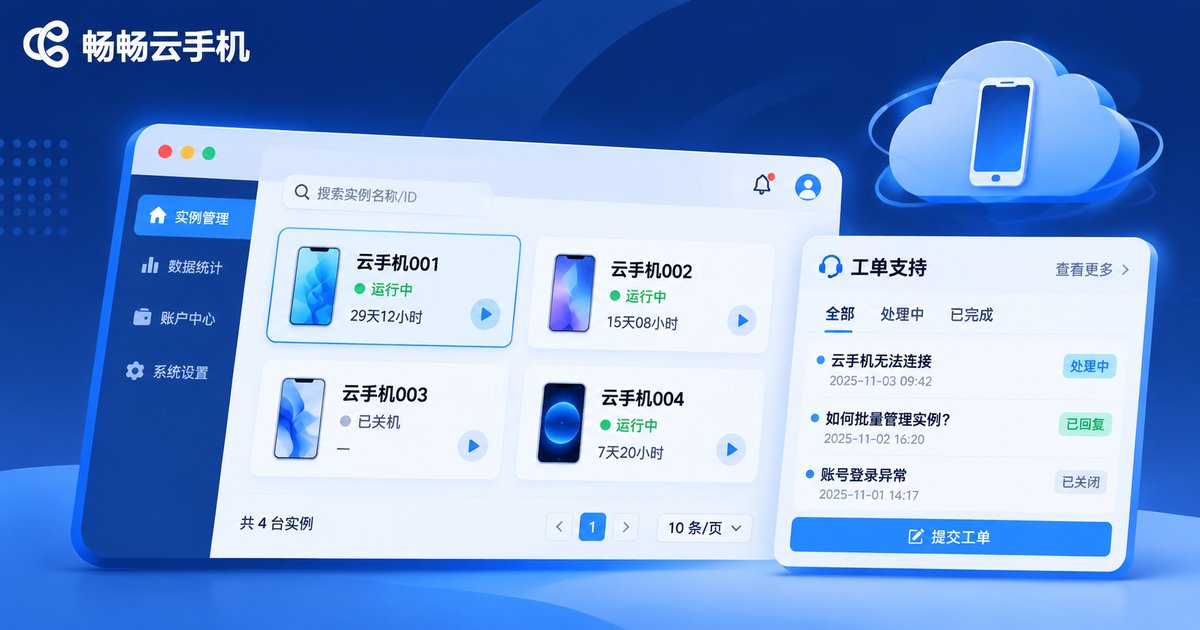
ccloudphone provides cloud phone instances for individual developers and enterprise teams. Through the official console you can create and restart instances and review their configuration, and you can access your cloud phones from both desktop and mobile clients. When you run into trouble, the recommended route is to submit the issue through the official customer service or ticket channel and include the instance ID, timestamp and a screenshot, so engineers can locate it quickly. For the exact entry points and the latest service description, refer to the official ccloudphone website.
Frequently asked questions
Q: How long does it usually take to get a response when a cloud phone has a problem?
It depends on the issue category and the provider's ticket mechanics. Connection, login and account issues are usually prioritized, while stutter and app compatibility cases queue behind them. A clear description with complete attachments is the most effective way to shorten the wait.
Q: Why does the same problem get solved quickly for someone else?
Most likely because their ticket included the instance ID, a precise timestamp and reproduction steps. Information completeness directly determines whether the first triage round succeeds.
Q: Do I always need a ticket for stuttering?
Not necessarily. Work through it in order: switch networks, restart the client, restart the instance, then compare against another instance. If it stutters on the other instance too, the local network is a likely culprit. If only one instance stutters, a ticket is much more worthwhile.
Q: Is an app crash a cloud phone problem?
You need to separate the two. If the same app runs fine on other instances, it may be an environment issue on that specific instance. If it crashes on every instance, it is usually related to the app's own compatibility. Mentioning this in the ticket helps engineers pick the right direction quickly.
Q: How can I reduce the chance of hitting problems?
Choose a provider with stable nodes and solid monitoring, keep your client on a reasonably recent version, and avoid long, heavy sessions on weak networks. Pay attention to the instance status shown in the console - anomalies often signal themselves in advance.


