
Does Running Scripts on a Cloud Phone Harm Your Phone? How Script Load Affects Real Devices
Bottom Line First: Scripts Don't Harm Phones—Sustained Heavy Load Does
Many people assume that running scripts is inherently hard on a phone. In fact, a script is nothing more than a set of automated commands. What actually shortens a device's life is the sustained heavy workload it creates: hours of high CPU usage, a screen that never sleeps, constant heat, and repeated charge cycles. Even without any scripts, a phone pushed to its limits by demanding games every day will age just as fast. The real question has never been the script itself, but which device carries the load.
What Your Phone Endures When Scripts Run on It
Running scripts directly on your daily or spare phone looks harmless at first, but the damage adds up over time:
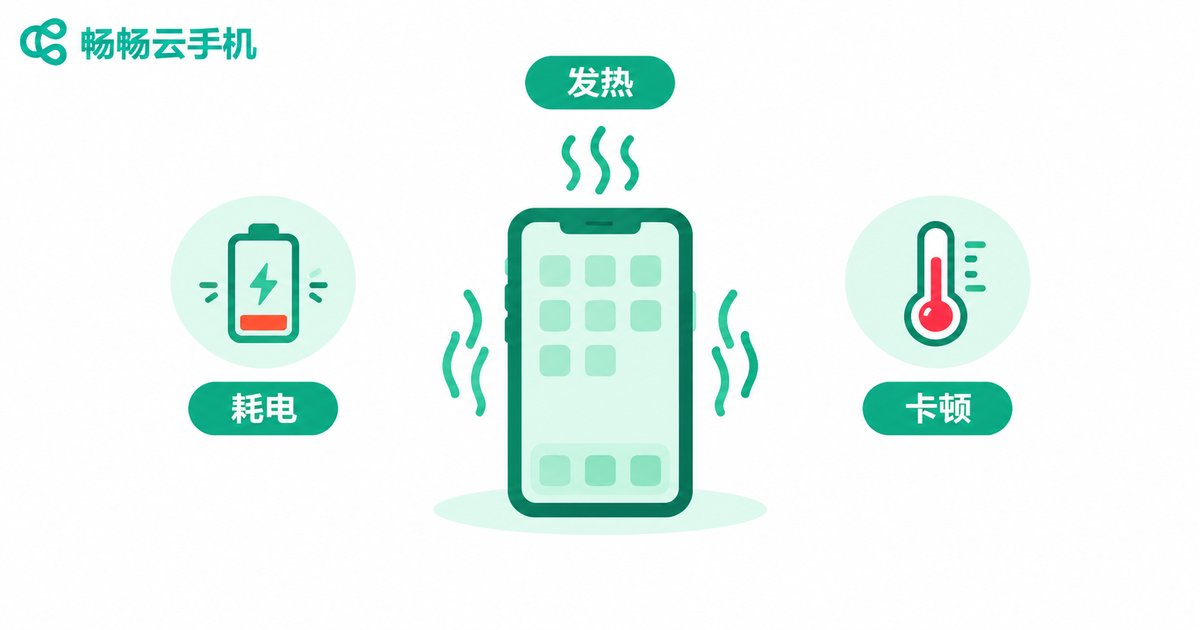
- Heat and throttling: Scripts keep games or apps in the foreground for hours. CPU and GPU stay under heavy load, the chassis heats up, and the system throttles performance—so the phone feels slower the longer it runs.
- Accelerated battery aging: Idle farming usually means charging while running. Batteries kept hot and fully charged for long periods lose cycle life quickly, and a sharp drop in battery health within a year is common.
- Component and storage wear: Prolonged heat accelerates the aging of board-level components, while constant game caching adds to the burden on flash storage.
- Always-on screens: Scripts often keep the screen lit for hours or overnight, and OLED panels may even risk burn-in.
- Your device gets hijacked: A phone dedicated to scripting is awkward for calls and photos, and running multiple accounts on one device is nearly impossible.
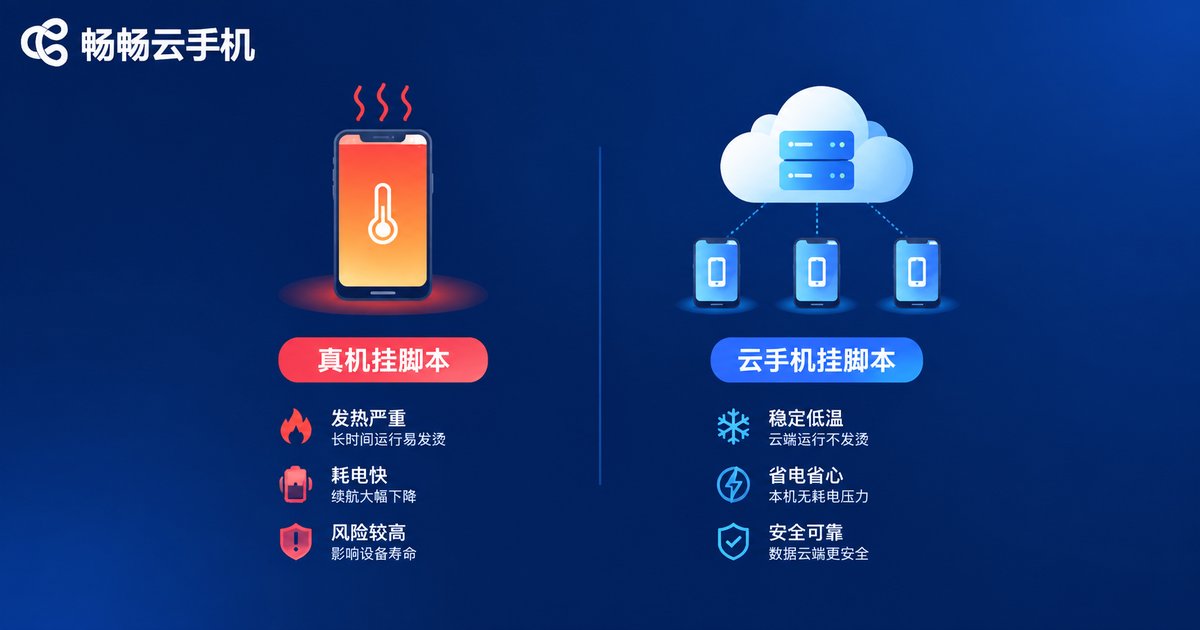
At a Glance: Scripts on a Real Phone vs. Scripts on a Cloud Phone
| Aspect | Real Phone | Cloud Phone |
|---|---|---|
| Heat | Body stays hot, worse in summer | Load handled in the data center; phone stays cool |
| Battery drain | Charging while running wears the battery fast | Local usage is view-only, close to everyday use |
| Hardware life | Long-term heavy load speeds up aging | Minimal local load, lifespan unaffected |
| Uptime | Limited by heat, power, accidental touches | Stable 24/7 operation in the cloud |
| Multi-account | One phone handles one or two tasks at most | Multiple independent environments in the cloud |
| Daily usability | Device occupied around the clock | Phone free for everything else |
How a Cloud Phone Takes the Load Off
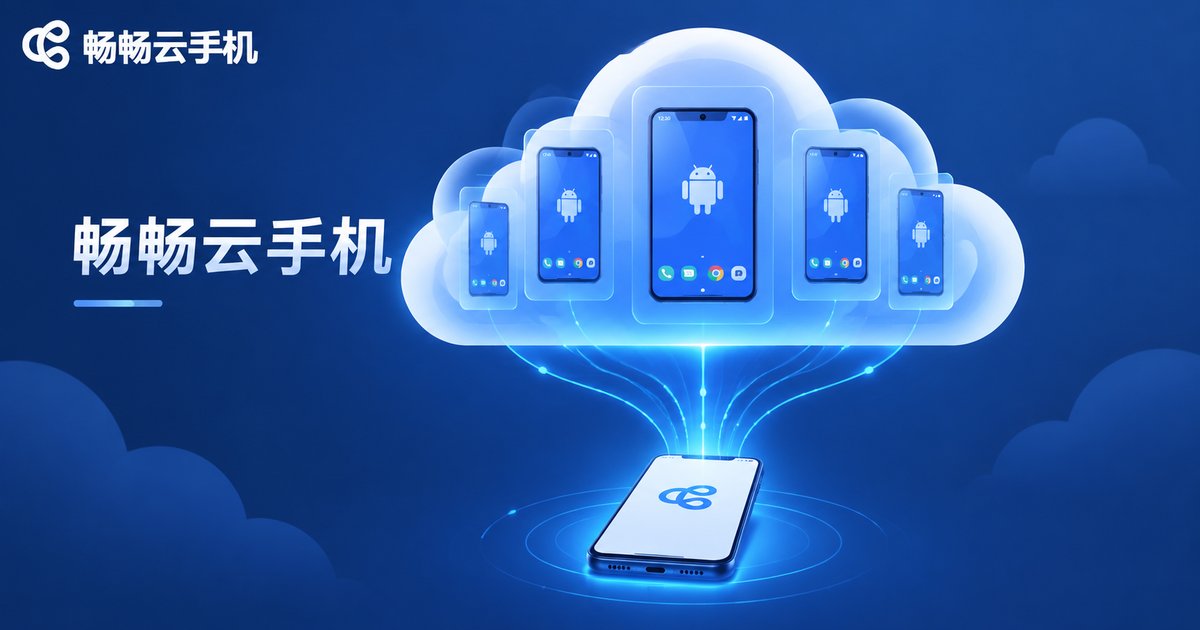
The principle is simple: scripts and apps run in an Android environment in the cloud, not on your phone. The provider operates racks of servers in a data center, and every cloud phone is an independent Android system whose computing power, storage, and network are all handled there. On your real device you only install a lightweight client app to view the screen and tap in occasionally—like watching a live stream. The picture is rendered in the cloud, your phone merely receives it, and the local load stays minimal.
That is why you can safely switch the client to the background or lock your screen: cloud scripts keep running, and whether your phone gets hot or its battery drains has nothing to do with the workload anymore.
Which Scenarios Benefit Most from Moving Scripts to the Cloud
- Daily game farming: dailies, dungeons, and resource grinding can run all night without a second thought.
- Multi-account operation: keeping several game or work accounts online at once, without a lagging, overheating phone.
- App keep-alive: apps that must stay online for check-ins and messages are safest in the cloud.
- Retiring the spare phone: let the old device that hums all night finally rest, and move every idle task to the cloud.
What to Look for in a Cloud Phone for Scripting
There are plenty of cloud phone products on the market. When choosing one, focus on connection stability (scripts hate disconnects), background keep-alive (do tasks continue after the screen locks), ease of multi-instance management, and whether the performance tier is sufficient. Take ccloudphone as an example: it provides independent Android environments in the cloud and keeps apps online around the clock, while your physical phone only handles lightweight viewing and control, without consuming local computing or storage resources. That makes it a good fit for hosting game farming and multi-account tasks in the cloud long term. For exact device specs and plans, check the official website and pick what matches your scripting needs.
FAQ
Q: Will my own phone still heat up if I run scripts on a cloud phone?
Basically no. The entire workload runs in the cloud; your phone only consumes a little resources when you open the client to check in—about the same as watching a short video.
Q: If I lock my phone or close the client, will the cloud script stop?
No. Cloud phones run on data center servers and stay online 24/7. Your phone is just a remote control—turn it off and the script keeps going.
Q: Does a cloud phone take up storage on my device?
No. Games, apps, and data all live in the cloud; your phone only needs a small client app.
Q: When is a real phone still the better choice for scripts?
If a task needs local hardware such as the camera, fingerprint sensor, or a physical SIM card, a real device is still required. Purely software-based idle tasks are all well suited to a cloud phone.
Q: Is it safe to run my accounts on a cloud phone?
Choose a reputable provider. ccloudphone, for example, offers isolated cloud environments for each instance. Also practice good account hygiene yourself and avoid signing into important accounts on unfamiliar environments.


