
Which Cloud Phone Platform Uses Real Devices? How to Tell Real Devices from Virtual Machines
Why Real Devices Matter So Much for Cloud Phones
The idea behind a cloud phone is simple: an Android system runs in a remote data center, and you control it from your phone or computer. What many people do not realize is that the device in the cloud may be a real phone—or just a virtual machine.
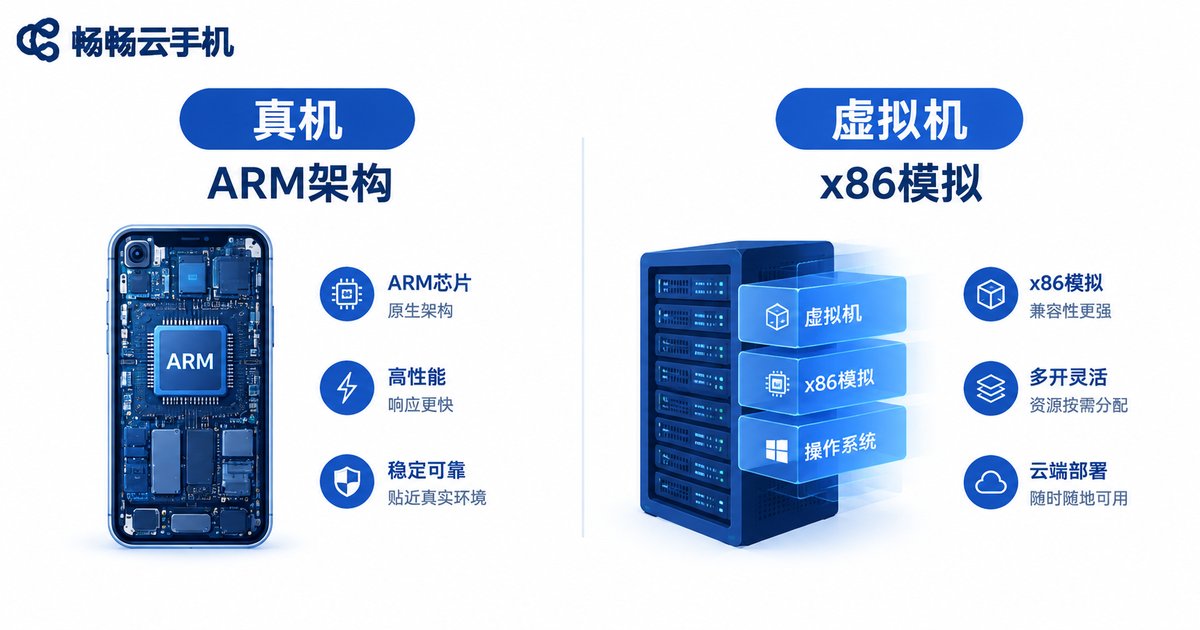
A real-device cloud phone runs on actual ARM smartphone boards, nearly identical at the hardware level to the phone in your hand. A virtual-machine cloud phone, on the other hand, runs Android inside an emulated environment on x86 servers—essentially closer to a PC emulator. The difference shows up directly in performance, app compatibility, and game environment detection. Virtual machines tend to stutter in demanding games, and some apps detect the emulated environment, restricting features or even triggering risk controls.
5 Practical Ways to Tell a Real Device from a Virtual Machine
No expert knowledge needed—just open your cloud phone and verify these yourself.
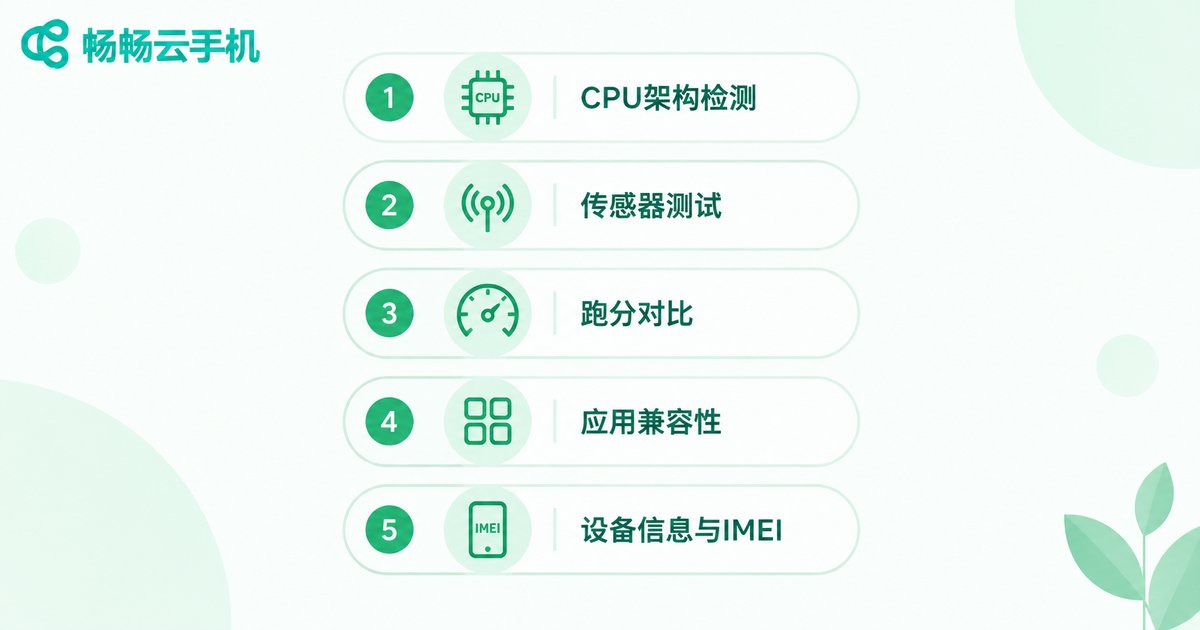
Method 1: Check the CPU architecture. Install a hardware detection tool like CPU-Z inside the cloud phone. A real device shows an ARM architecture (such as ARMv8 or Cortex-A cores); if you see x86 or x86_64, or strings like VirtualBox, Red Hat, or QEMU, it is almost certainly a virtualized environment.
Method 2: Test the sensors. Real devices come with a full sensor suite: accelerometer, gyroscope, proximity sensor, GPS, and more. Check with a sensor-testing app—virtual machines usually lack many sensors or return frozen, unchanging values.
Method 3: Run benchmarks and performance tests. Use a benchmark app like AnTuTu. A real device scores close to a physical phone of the same model, while virtual machines typically score noticeably lower with abnormal graphics results. You can also play a demanding game for half an hour and watch whether the frame rate stays stable—real devices behave much more like actual phones.
Method 4: Test app compatibility. Install a few environment-sensitive apps, such as banking apps or popular mobile games with anti-cheat systems. Virtual machines often suffer from crashes, login failures, or device-abnormal warnings; real-device cloud phones work just like a normal phone.
Method 5: Inspect device info and IMEI. Open Settings and check the About Phone page. A real device shows a normal brand, model, and IMEI number; virtual machines often display unknown or generic model names, with a blank or malformed IMEI.
Real Device vs. Virtual Machine: Side-by-Side Comparison
| Dimension | Real-Device Cloud Phone | Virtual-Machine Cloud Phone |
|---|---|---|
| CPU architecture | Genuine ARM chip | x86 emulation |
| Sensors | Complete, realistic data | Missing or fixed values |
| Gaming | Stable frame rates | Prone to stuttering |
| App compatibility | Close to a physical phone | Easily flagged as emulator |
| Account safety | More trustworthy environment | Higher risk-control risk |
Choose a Real-Device Cloud Phone: ccloudphone
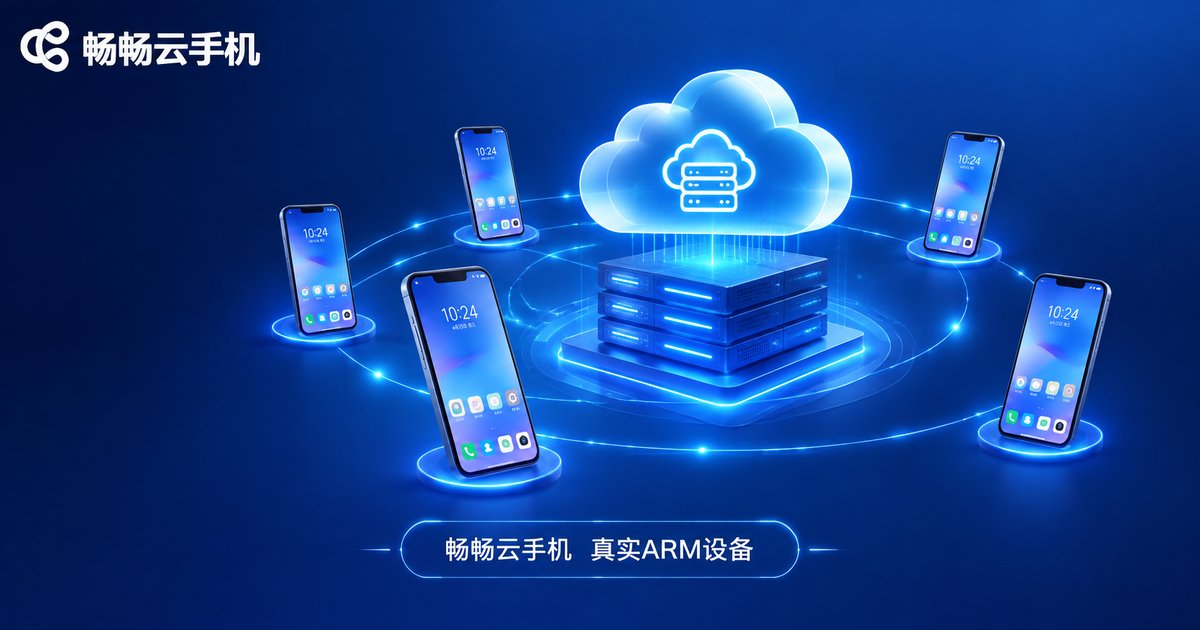
With the methods above, you now have a solid checklist for evaluating any platform. Among the many cloud phone services available, ccloudphone (畅畅云手机) builds its cloud phone cluster on genuine ARM devices, staying consistent with physical phones at the hardware level. That translates into stable app compatibility and smooth performance—whether you are running multiple accounts, grinding games, or testing apps, you get an experience close to a real phone.
Before subscribing to any service, verify it yourself with the tests in this guide: install CPU-Z to check the architecture, run a benchmark, and test the sensors. Only a platform that passes these checks truly runs on real devices.
FAQ
Q: What is the difference between a real-device cloud phone and an emulator?
An emulator simulates Android on a PC, with performance and compatibility limited by the computer. A real-device cloud phone runs on genuine ARM smartphone hardware, matching a physical phone at the system level, offering better app compatibility and avoiding emulator detection.
Q: Are virtual-machine cloud phones always unusable?
Not necessarily. For light usage with low compatibility requirements, a virtual machine can handle basic needs. But for multi-instance gaming, sensitive app logins, and similar scenarios, real-device cloud phones are clearly more stable and secure.
Q: How can I quickly check whether a cloud phone platform uses real devices?
The quickest way is to install CPU-Z or AnTuTu inside the cloud phone, check whether the CPU architecture is ARM, and combine sensor checks with benchmark data. A few minutes is enough to reach a conclusion.
Q: What use cases does ccloudphone support?
ccloudphone (畅畅云手机) suits multi-account game AFK farming, dual apps, social media operations, app testing, and more. It runs on genuine ARM devices and is compatible with mainstream apps and games. See the official website for plan details.


