
Which Industries Use Cloud Phones? Observations from Education, Customer Service, Testing, and Operations
What Is a Cloud Phone, and Why Are More Industries Adopting It?
Put simply, a cloud phone is a real Android handset hosted in a data center. You operate it remotely through a browser or a client app. The device is not on your desk, but the screen, the apps, the accounts and the data are all there — and using it feels almost the same as holding a phone in your hand.
That leads to two immediate changes: devices can be spun up on demand and released at any time, so you do not have to buy a shelf full of physical handsets; and one person can look after many devices at once, because repetitive actions get batched. For industries with lots of devices and lots of repetitive actions — education, customer service, testing, operations — those two points land right on the pain.
Below we break it down by industry. The same tool ends up being used in very different ways.
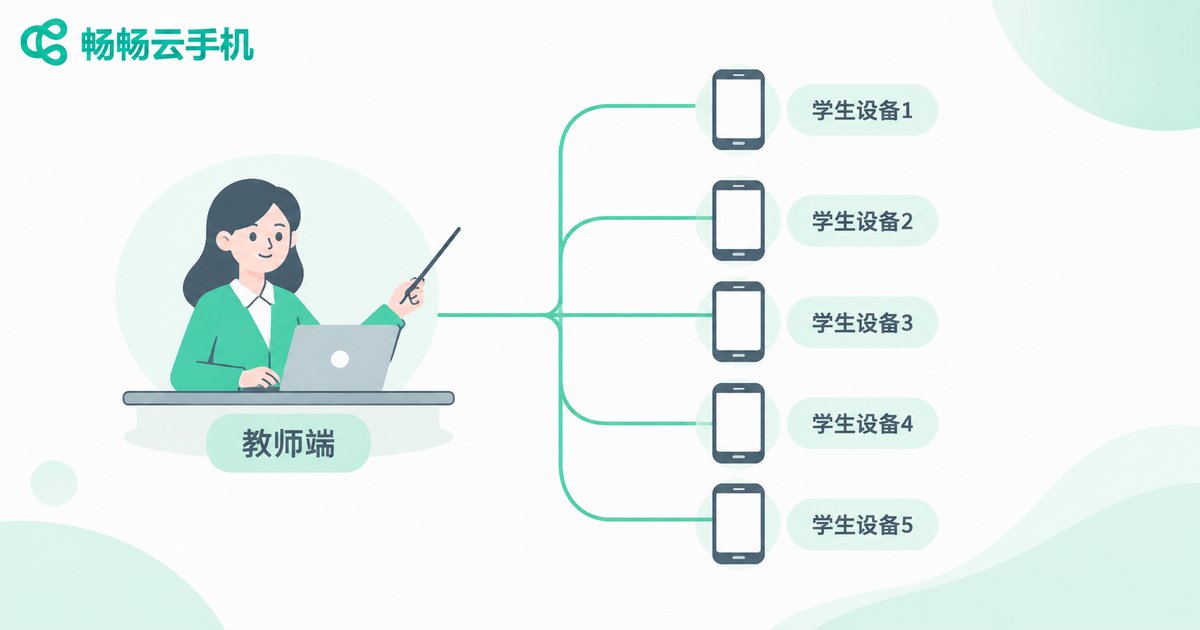
Education: One Cloud Device per Student
The biggest headache for schools and training centers is rarely the software — it is the hardware. A class of thirty or forty students needs the same apps installed and the same practice steps repeated, but lab machines vary in age and condition, and everything has to be cleaned up before the next class arrives.
Once the training environment lives on cloud phones, instructors can prepare apps and settings in advance, and students connect from their own laptop or tablet. The environment is consistent and clean before class even starts. Recycling and resetting afterwards is simple too, with no manual cleanup device by device.
Two other common uses: mobile development courses, where students install, uninstall and debug over and over and a cloud device cannot really be broken; and online exams or computer-based testing, which require every device to be in the same state — a centralized configuration is far more reliable than checking each machine by hand.
What this sector usually cares about: responsive operation, fast environment reset, and centralized management on the instructor side.
Customer Service and Call Centers: Managing Many Accounts and Terminals
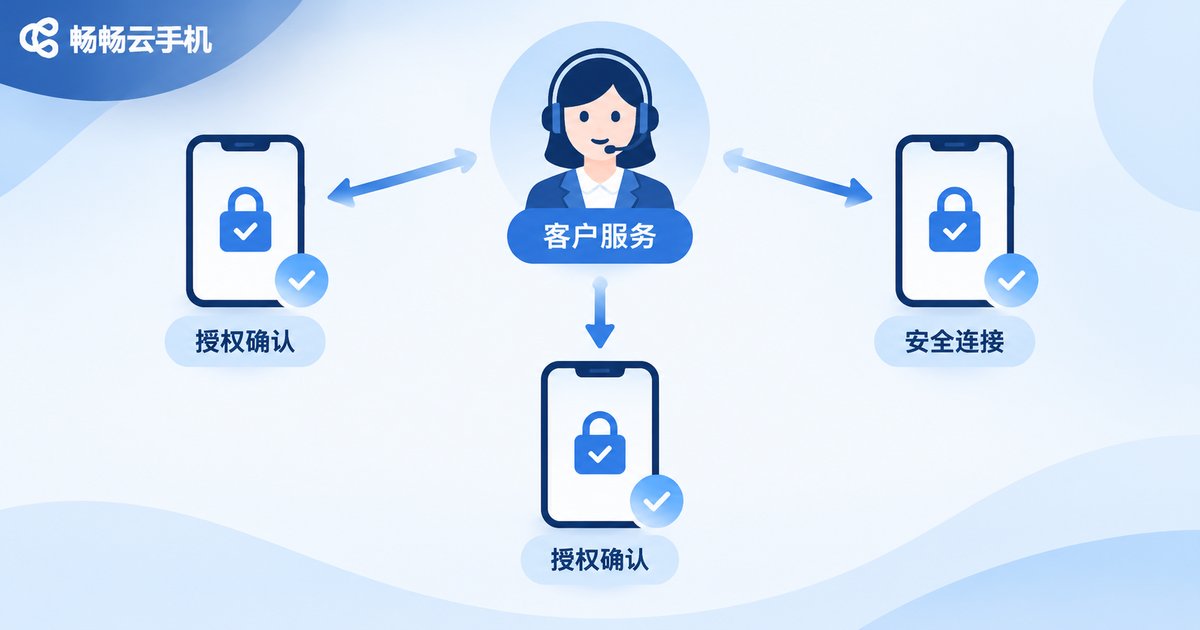
Customer service teams have high turnover and constant device handovers. When a new colleague joins, someone has to prepare a device, install apps, log in to accounts and set permissions — and a mistake at any step delays their first day online.
With cloud phones, agent accounts can be bound to devices in the cloud. Grant access when someone joins, revoke it when they leave, and the hardware never has to travel between people. Remote agents can connect to the same environment from their own computers instead of waiting for a company phone to arrive by courier.
Stability is another point that is easy to overlook. Customer service work often means staying online for long stretches, and local devices overheat, run out of memory or drop the session on an accidental tap. A cloud device has a far more predictable environment, which makes it a better home for long-running, repetitive duty tasks.
What this sector usually cares about: how permissions are distributed, how accounts are isolated, and how stable long sessions really are.
Testing and R&D: When a Real Device Matrix Costs Too Much
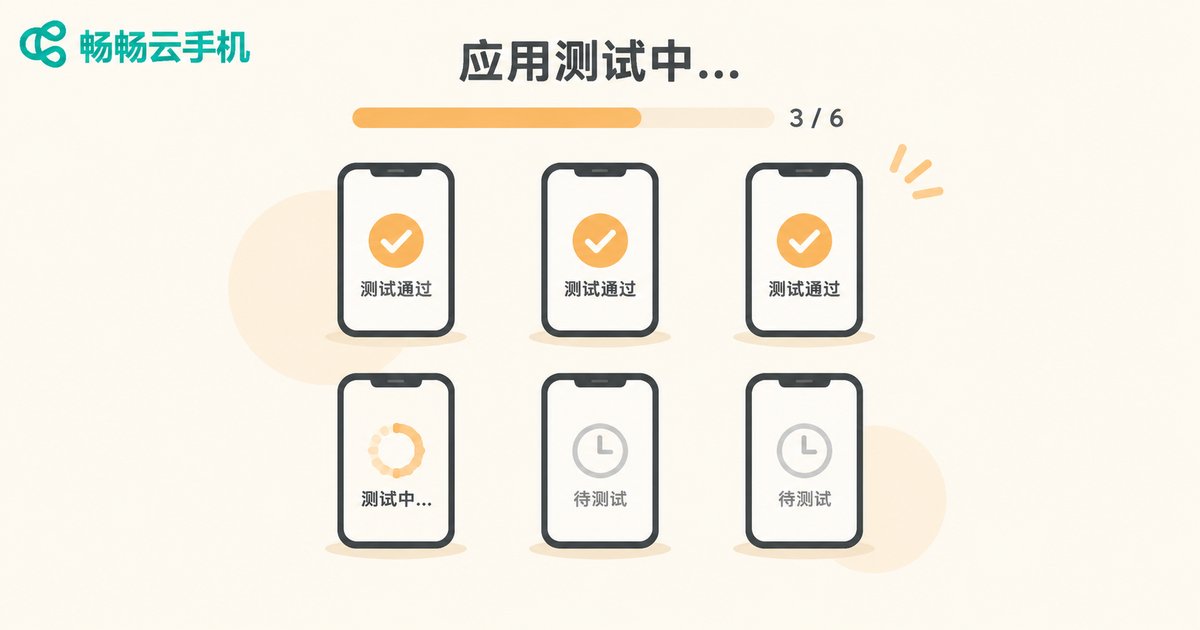
Anyone building mobile apps knows the device wall: a rack of handsets across brands and OS versions, kept specifically for compatibility testing. The problem is that they must be bought, charged, maintained, stored — and most of the time they sit idle.
Cloud phones offer a fairly direct answer here: open as many as you need, release them when the run is done, and fill in device coverage temporarily for a specific project. Regression runs, install-uninstall loops and parallel version validation are repetitive enough that running them in the cloud beats queuing up for a shared physical handset.
One caveat: testing teams tend to be sensitive about OS versions, screen resolutions and network conditions. When choosing a provider, confirm whether the instance specifications cover the device range you need to validate, and whether batch operations and automation scripts are supported.
What this sector usually cares about: breadth of device coverage, batch operation capability, and how well it plugs into existing automation.
Operations and Marketing: Keeping Many Stores and Accounts Running
E-commerce operations, content publishing and local services roles juggle multiple stores, multiple accounts and multiple back offices every day. The old approach was a handful of phones on the desk, switched back and forth until things got messy.
Cloud phones place each of those accounts on its own isolated cloud device, so a single computer can show the status of several devices at once — click whichever one you need. When content must go out at a fixed time slot, the environment and assets can be prepared in advance.
What this sector usually cares about: whether multiple devices stay smooth when running simultaneously, whether accounts are properly isolated, and how convenient daily checks and data review are.
Comparing What Four Industries Actually Need
The same cloud phone means quite different things across industries. The table below helps you find your own row quickly.
| Industry | Typical use | Most valued capability | Usage rhythm |
|---|---|---|---|
| Education and training | Unified lab environments, exam environments, development course debugging | Fast environment reset, instructor-side management | Concentrated sessions, prepare before and recycle after |
| Customer service | Agent account binding, remote access, long duty shifts | Permission control, account isolation, session stability | Long hours online, frequent staff changes |
| Testing and R&D | Compatibility checks, regression runs, parallel version validation | Device coverage, batch operations, automation hooks | Project-driven, intensive in phases |
| Operations and marketing | Managing multiple stores and accounts, publishing, daily checks | Multi-device view, account isolation, smooth operation | Fixed daily slots, ongoing over time |
Details Worth Checking Before You Choose
If your scenario looks like one of the rows above, the next step is picking a tool. Here are a few details worth confirming during a trial:
First, whether access feels natural. Try both the web and client versions — usage habits vary a lot between roles on the same team.
Second, whether device count can flex. Businesses with strong seasonality suffer most when locked into a fixed number of devices.
Third, how far batch operations go. Installing apps, restarting, taking screenshots and power cycling are painful one device at a time once you scale up.
Fourth, whether the environment reset is complete. Education and technical testing care about this most — leftover data from the last round should not affect the next.
Fifth, how collaboration is divided. Who can view, who can operate and who can delete are rules worth setting before you start, not after.
Why Many Teams Start with ccloudphone
ccloudphone provides standard Android cloud phone instances that users access through a web page or a client app, turning device management from “a pile of handsets” into “one console.” The education, customer service, testing and daily operations scenarios described above all map onto it.
For a team new to cloud phones, the safer path is this: start with a small number of instances on one real, narrow scenario — a single class session, one test cycle, or daily checks for a few operations accounts — confirm that the responsiveness, stability and collaboration model all match expectations, then consider scaling up.
For specific instance specifications, activation methods and feature scope, refer to the official ccloudphone website and size your usage against actual business volume.
Frequently Asked Questions
Q: Are cloud phones suitable for individual users?
They suit people with real device-management needs. If you only use one phone occasionally, a local device is usually enough; if you often need several devices online at the same time, the cloud approach shows its advantage.
Q: Do you need strong technical skills to use one?
No. Daily operation is similar to a normal Android phone — installing apps, tapping the screen and viewing the display all happen in one interface. The technical part is automation scripts and bulk management, which can be introduced gradually.
Q: Can education and customer service share one setup?
The underlying capability is the same, but the configuration logic differs. Education emphasizes environment reset and class-wide management; customer service emphasizes permissions and long sessions. Plan them separately.
Q: Can cloud phones replace real-device testing?
Most repetitive and regression validation can move to the cloud, but projects involving specific hardware sensors, peripherals or extreme performance should keep a few physical devices as a supplement. The two work together.
Q: How do I decide how many instances to start with?
Start from your sharpest pain point and size the initial count against peak concurrent users or accounts. Run it for one to two weeks, then adjust based on actual utilization rather than opening too many idle instances up front.


