
Does Cloud Phone Idle Mode Use Data? The Real Truth About Data Consumption
The Short Answer: Idle Running Barely Uses Any Data
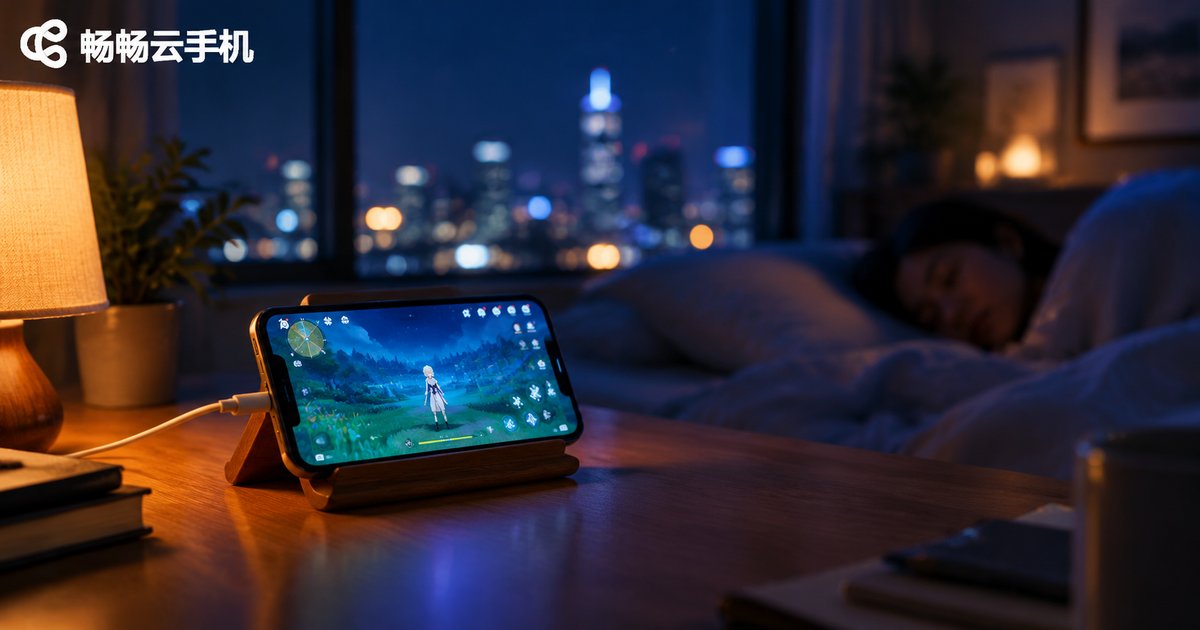
If you are new to cloud phones, you have probably wondered: does running a cloud phone in idle mode consume mobile data? Will it burn through several gigabytes overnight? Here is the reassuring answer: idle running itself consumes almost no data on your local device. All the apps on a cloud phone run on remote servers in the cloud. Your phone or computer is merely a window for viewing the screen. When you close that window and let the cloud phone keep running, your local device only maintains an ultra-light heartbeat connection, and the data usage is negligible.
How It Works: Screen Streaming Is the Real Data Consumer
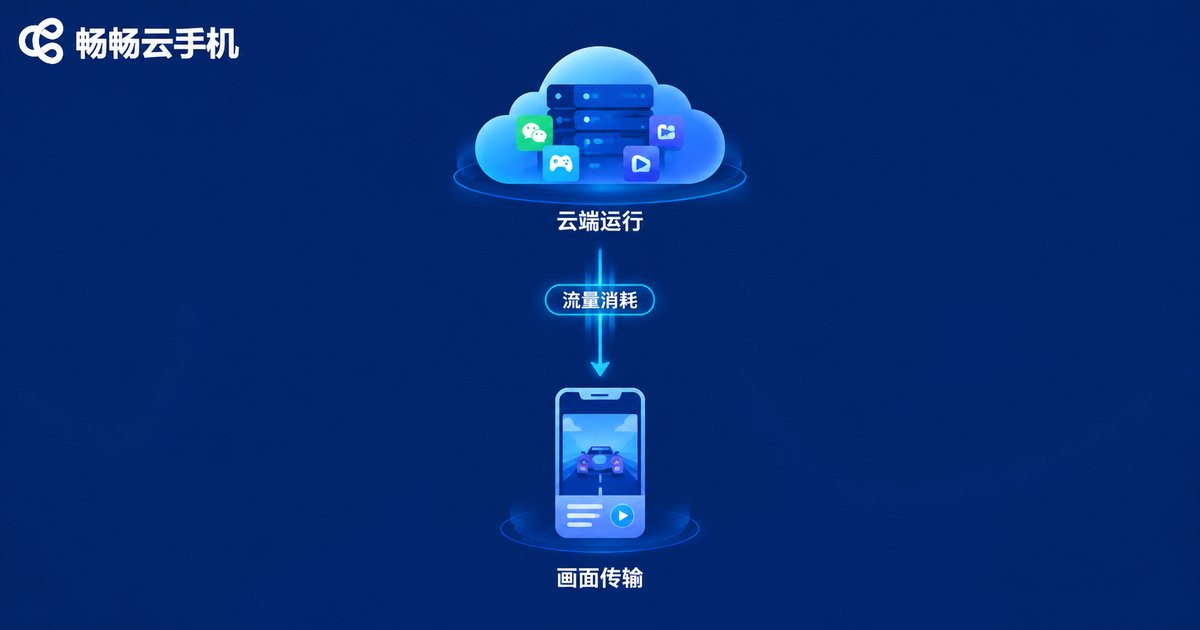
To understand cloud phone data usage, remember one sentence: running in the cloud costs you no data; streaming the screen to you does.
A cloud phone is essentially a real Android phone placed inside a data center. Games and apps run on the server around the clock. What your local device does is simply live-stream the cloud screen to you. Data is only consumed when you open the screen to watch and interact, similar to watching a live video. When you close the screen and leave the phone idle, the cloud keeps running your tasks while your local device generates almost no traffic at all.
Real Data Consumption Numbers at a Glance
We compiled reference numbers for common usage scenarios. Actual consumption varies with resolution settings, frame rate, and network conditions, but the overall scale is consistent:
| Scenario | Local Data Usage (approx.) | Notes |
|---|---|---|
| Idle running (screen closed) | 0-1MB/hour | Heartbeat connection only, nearly zero |
| Idle running (screen connected) | 30-80MB/hour | Continuous streaming; lower frame rate saves more |
| Open screen, normal play | 100-300MB/hour | Similar to standard-definition video |
| HD quality, smooth operation | 300-800MB/hour | High frame rate and resolution, highest usage |
The table makes one thing clear: for the same idle task, whether the screen is open or closed can mean a hundred-fold difference in data usage. If you close the screen before an overnight idle session, the total consumption is usually under 10MB — less than a single short video.
Four Typical Scenarios and Their Data Costs
Scenario 1: Overnight dungeon farming. Set up your tasks before bed, close the screen, and the cloud keeps grinding dailies for you. When you wake up, local data usage is under 10MB and your game progress is right where it should be.
Scenario 2: Watching while playing. With the screen open for real-time control, data usage resembles video streaming. On mobile data, keep sessions short or switch to Wi-Fi.
Scenario 3: Multi-instance idle running. Many users worry that running multiple cloud phones costs more data. As long as the screens are closed, each instance runs independently in the cloud with no local streaming, so extra instances add almost no data burden.
Scenario 4: The cloud phone's own internet access. Apps on the cloud phone access the internet through the data center's network, which is covered by the service provider. You never have to worry about that part.

Three Tips to Save Data
Tip 1: Close the screen while idle. This is the most effective move. Once your tasks are configured, disconnect the screen. The cloud keeps running while your local data usage drops to nearly zero.
Tip 2: Choose resolution on demand. For a quick progress check, standard definition or a low frame rate is enough. Switch to HD only when you need precise control, and you will save a lot of data.
Tip 3: Use Wi-Fi for active play; idle running works on anything. When the screen is open, prefer Wi-Fi. Idle running itself consumes so little that even a full day on 4G/5G costs only a few megabytes.
Why ChangChang Cloud Phone Is a Smart Choice for Idle Running
If you are looking for a cloud phone built for long-term idle running, give ChangChang Cloud Phone (ccloudphone) a try. It provides a stable cloud environment with 24/7 uninterrupted operation. After you disconnect the screen, tasks keep running in the cloud while local data usage stays minimal. Whether you farm dungeons overnight, run multiple instances for dailies, or maintain accounts long-term, it handles everything smoothly, so your data is spent where it truly matters.
FAQ
Q: How much data does an overnight cloud phone idle session use?
With the screen closed, local data usage is usually under 10MB, which is negligible. Keeping the screen connected costs several hundred MB instead, so closing the screen while idle is recommended.
Q: Whose data does the cloud phone use when it accesses the internet?
The cloud phone runs on remote servers and accesses the internet through the data center's network, covered by the provider. It never consumes your local device's data.
Q: Does running multiple cloud phones use more data?
No. With screens closed, every instance runs independently in the cloud without local streaming, so the data burden barely changes.
Q: Can I run idle sessions on a 4G/5G network?
Absolutely. Idle mode only maintains an ultra-light heartbeat connection, so even a full day on mobile data costs just a few megabytes.
Q: When should I use Wi-Fi?
When the screen is open for watching and interacting, usage resembles video streaming, so Wi-Fi is the better choice. Pure idle running has no network requirements.


