
Cloud Phone vs VoIP Phone System: An Enterprise Communication Selection Guide
1. First, Understand What Each One Actually Is
When planning business communication, many companies lump cloud phones and VoIP phone systems together as 'cloud communication tools.' In reality, they solve completely different problems.
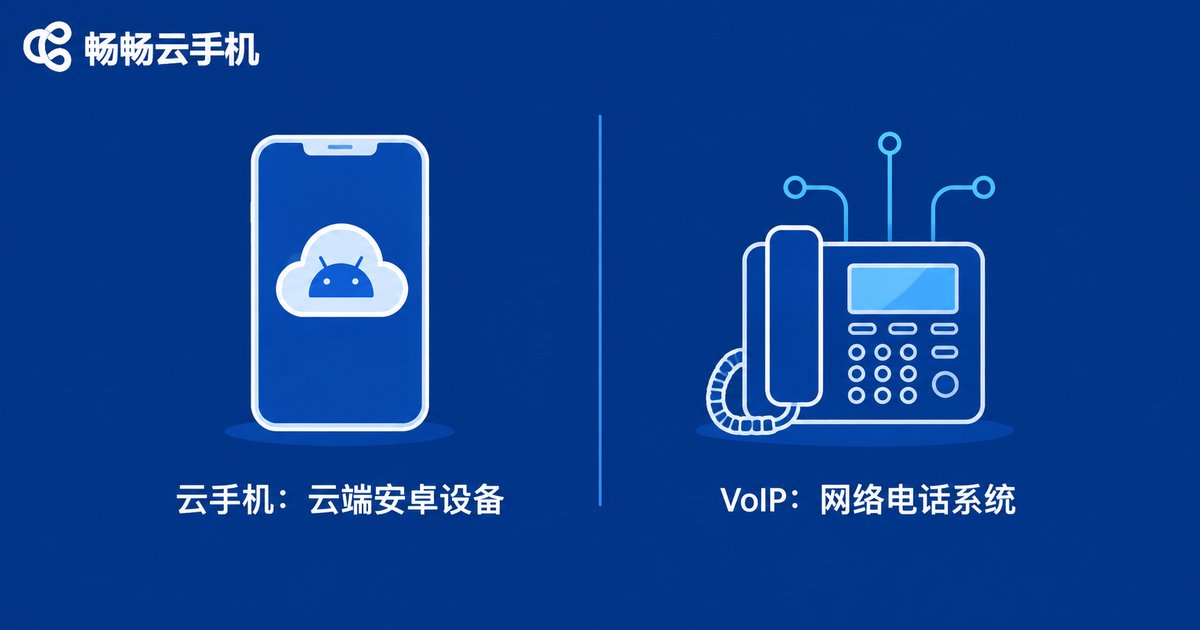
A cloud phone is, simply put, a virtual Android smartphone running in a cloud data center. It has a full Android system, can install apps, log into accounts, and run tasks in the background, and it stays online 24/7—shut down your own computer and it keeps running in the cloud. You control it remotely through a browser or client app, with no physical device required.
A VoIP phone system (Voice over IP) moves traditional phone lines onto the internet. Businesses use it to make calls, answer calls, transfer extensions, record conversations, and build customer service call centers. It solves one core problem: voice communication. Common forms include cloud PBX, SIP desk phones, and call center software.
In one sentence: a cloud phone is 'an Android device in the cloud,' while VoIP is 'a phone line in the cloud.' The former serves app and account operations; the latter serves voice communication.
2. Five Dimensions of Difference
| Dimension | Cloud Phone | VoIP Phone System |
|---|---|---|
| Essence | Virtual Android phone in the cloud | Internet-based voice calling system |
| Core use | Running apps, multi-account management, automation | Outbound calls, answering, extensions, call center |
| Hardware | None; any internet-connected device works | Usually IP phones, headsets, or softphones |
| Billing | By number of cloud phone instances or usage time | By seats, lines, and call minutes |
| Typical users | Operations, marketing, QA, multi-account teams | Support, sales, and admin teams |
Beyond the table, two often-overlooked points matter:
1. Different identity layers. A cloud phone carries 'application-layer' identities such as social media, gaming, or store accounts. A VoIP number is a 'communication-layer' identity, such as your public support hotline. One manages what happens inside apps, the other manages what happens on phone lines—neither can replace the other.
2. Different online logic. The value of a cloud phone is always-on presence in the cloud: tasks do not depend on anyone's office computer and survive shutdowns and power cuts. VoIP is judged by call quality and line stability: connection rates, voice clarity, and concurrent capacity.
3. Which Scenarios Call for Which
Choose a cloud phone when: your e-commerce or social media team runs a multi-account matrix and needs dozens or hundreds of accounts online at the same time; you have long-running in-app tasks such as auto check-ins, message replies, or game automation; you need batch app testing and compatibility checks; or your overseas business requires apps running in different regional environments.
Choose VoIP when: your support center needs call routing and IVR; your sales team needs outbound dialing and call recording; or your office needs extension transfer and conferencing. Any role whose core action is making phone calls belongs to VoIP territory.
4. Not Either/Or—They Cover Different Bases
Companies often assume they must pick one. In fact, the two serve different teams and workflows. Take a cross-border e-commerce company as an example: the operations team uses cloud phones to manage social media accounts across regions and keep store apps online around the clock, while the support team uses a VoIP call center to answer buyer calls with full recording. The two systems run in parallel without conflict.
So the right question is not 'cloud phone or VoIP,' but 'which tasks go to the cloud phone, and which go to VoIP.'
5. A Three-Step Selection Process
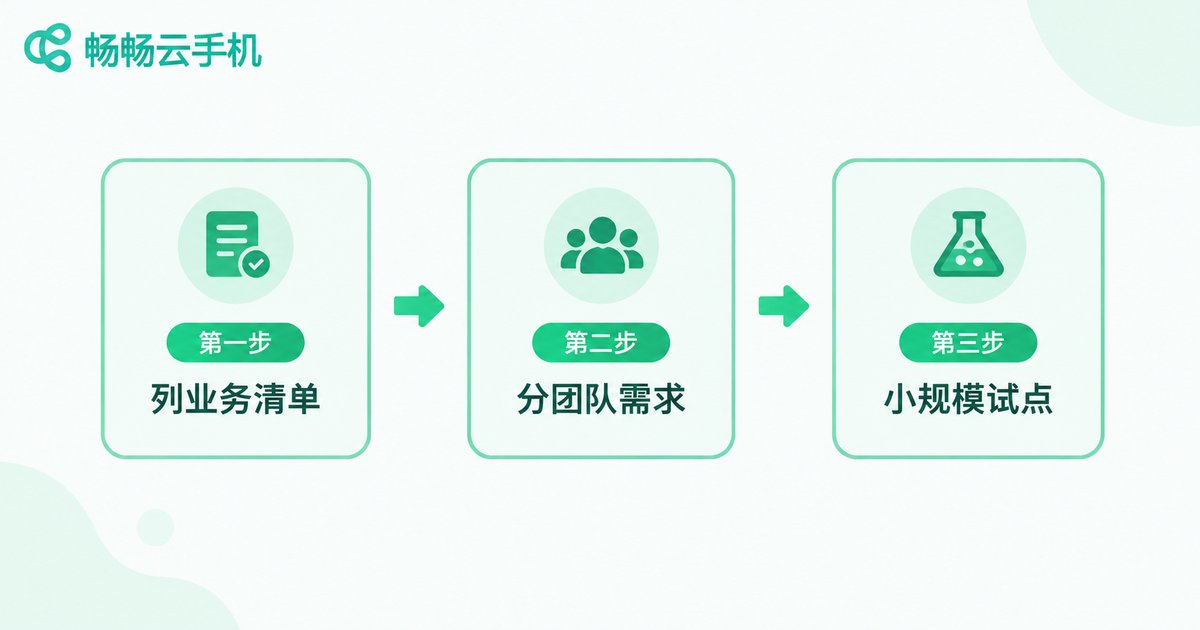
Step 1: List your core actions. Ask one question—does the team mainly make phone calls or operate apps every day? The former leans VoIP; the latter leans cloud phone.
Step 2: Split needs by team. Hand the calling needs of support and sales to VoIP; hand the account and app needs of operations, marketing, and QA to a cloud phone. Avoid forcing one system onto every scenario.
Step 3: Pilot small, then scale. Run one small team through the workflow first, verify stability and cost, then expand gradually instead of investing heavily upfront.
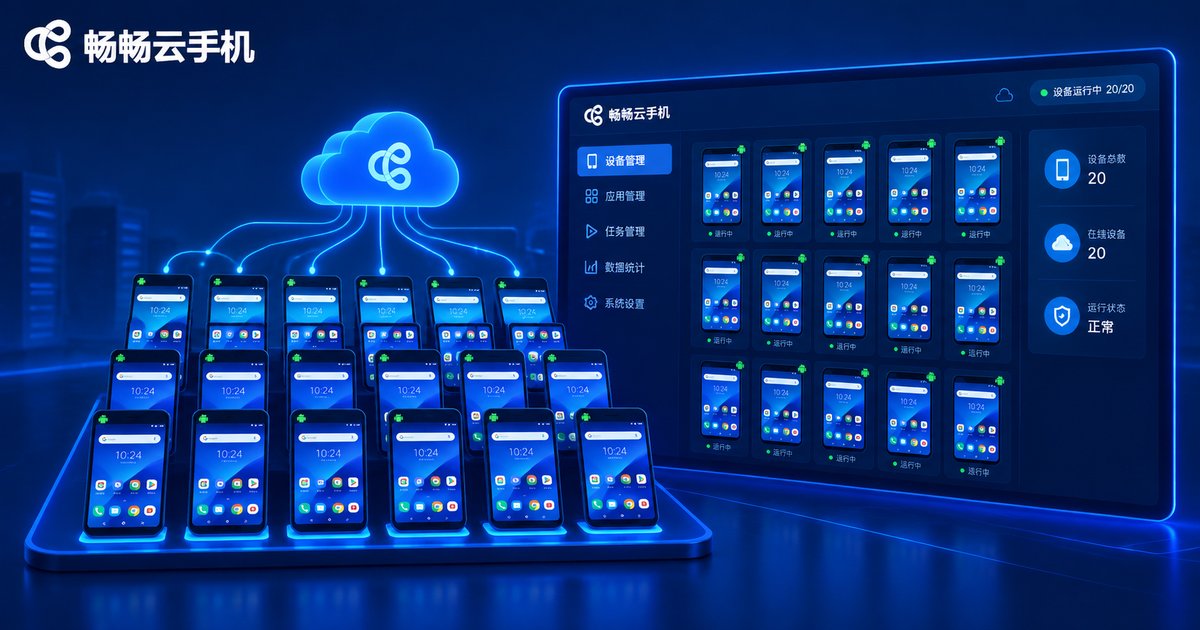
If your list is dominated by multi-account operations, 24/7 app availability, and batch automation, a cloud phone should be your first investment. We recommend starting with Changchang Cloud Phone (ccloudphone): it provides a cloud Android environment with centralized management of multiple cloud phones, batch operations, on-demand start and stop, and cloud-stored data, so tasks continue even when you switch computers—ideal for teams managing Android accounts at scale. For features and plans, refer to the official ccloudphone website.
FAQ
Q: Can a cloud phone replace office desk phones or a support hotline?
No. A cloud phone is an Android app environment; it does not provide public voice lines or call center capabilities. For external calling, choose a VoIP phone system.
Q: Can a VoIP system run apps like a cloud phone?
No. VoIP handles voice communication only and cannot install or run Android apps. To run apps and maintain accounts in the cloud, choose a cloud phone.
Q: Is cloud phone data safe? Will switching devices lose it?
Cloud phone data lives on cloud servers, independent of your local device—log in from another computer or phone and pick up where you left off. Choose a reputable provider and manage account permissions carefully.
Q: With a limited budget, which should an SME deploy first?
Follow your core business: start with a cloud phone for customer acquisition, operations, and account management; start with VoIP for customer reception and telesales. If both needs are strong, roll them out in phases.
Q: Which teams is Changchang Cloud Phone (ccloudphone) best for?
Teams that need batch management of Android accounts and long-running apps, such as operations, marketing, and QA. For plans and pricing, see the latest information on the official ccloudphone website.


