
Can Cloud Android Devices Run Automation Scripts? Tasker + Cloud Phone 24/7 Unattended
Cloud Android Devices: The Ideal Environment for Automation Scripts
Many people ask: Can cloud Android devices be used to run automation scripts? The answer is a resounding yes. Compared to physical phones, cloud Android devices (cloud phones) inherently possess the advantages of 24/7 online availability and freedom from local hardware limitations. By combining automation tools like Tasker with cloud phones, you can easily build an around-the-clock unattended automation workflow, completely saying goodbye to the troubles of local devices overheating or running out of battery.
Why Choose Cloud Phones to Run Tasker Automation Scripts?
Tasker is one of the most powerful automation tools on the Android platform, but running it on a local phone often faces many limitations. Deploying Tasker on a cloud phone brings a qualitative leap:
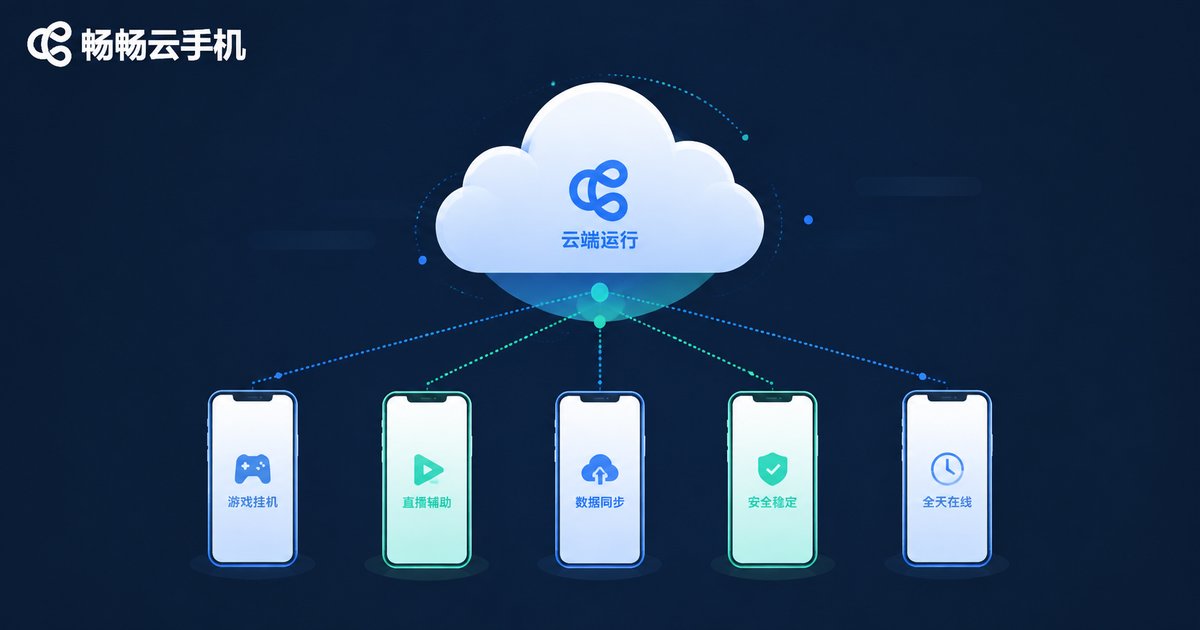
- 24/7 Operation: Cloud phones run on cloud servers, unaffected by local power outages or shutdowns, truly achieving 24/7 unattended operation.
- Stable Performance: The cloud provides dedicated CPU and memory resources, avoiding script interruptions caused by background processes being killed.
- Multi-Instance Parallelism: You can control multiple cloud phones simultaneously, running Tasker scripts in batches, multiplying efficiency.
Local Device vs. Cloud Phone Automation
| Comparison | Local Physical Device | Cloud Android Device |
|---|---|---|
| Runtime | Limited by battery, requires screen on | 24/7 all-weather operation |
| Device Wear | Long-term running causes overheating, battery aging | Zero hardware wear |
| Network Stability | Relies on local broadband, prone to disconnections | Enterprise-level data center network, extremely stable |
| Scalability | Single-device operation, hard to manage in batches | Supports multi-instance concurrency, easy to scale |
ccloudphone: Your Best Partner for Automation
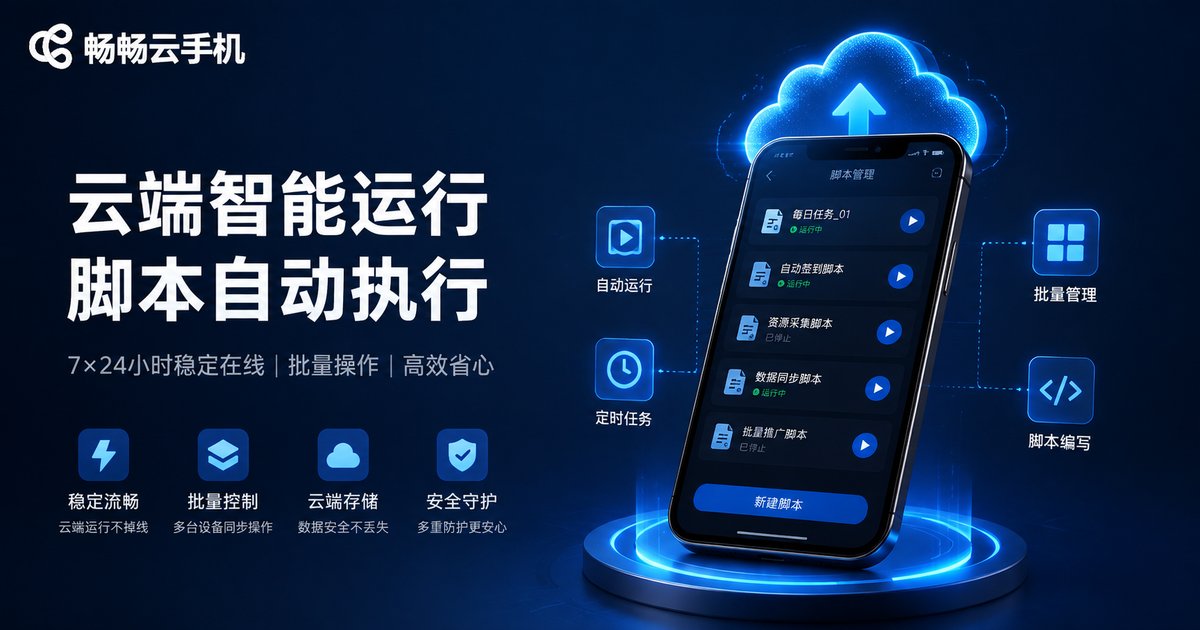
Among numerous cloud phone services, ccloudphone has become the ideal choice for running automation scripts due to its excellent performance and stability. It provides a pure Android underlying environment, perfectly compatible with Tasker and its plugins. Whether you need scheduled tasks, data scraping, or automated app testing, ccloudphone provides a smooth, lag-free experience, ensuring your automation scripts are executed precisely.
How to Configure Tasker and Cloud Phone for Unattended Operation?
1. Install the Tasker app within ccloudphone.
2. Write automation scripts according to your needs (e.g., scheduled check-ins, auto sign-ins).
3. Enable the "Run in background" permission in Tasker and turn off battery optimization options.
4. Keep the cloud phone instance running to achieve 24/7 unattended automation tasks.
Frequently Asked Questions
Q: Does running Tasker on a cloud phone require Root access?
A: Most basic automation tasks do not require Root access. ccloudphone provides a pure Android environment, compatible with the vast majority of Tasker features. If some advanced features require Root, you can choose a cloud phone instance with Root permissions.
Q: Will the script stop if the cloud phone disconnects from the network?
A: Cloud phones are deployed in professional cloud data centers with extremely stable networks. Even if the local network disconnects, the Tasker script on the cloud phone will continue to run 24/7 in the cloud.
Q: Does ccloudphone support running scripts on multiple devices simultaneously?
A: Yes. ccloudphone supports multi-instance concurrency. You can manage multiple cloud phones simultaneously through the group control feature to execute Tasker automation tasks in batches.


